

MSP AdWords Management: A Step-by-Step Guide to Google Ads That Win IT Clients

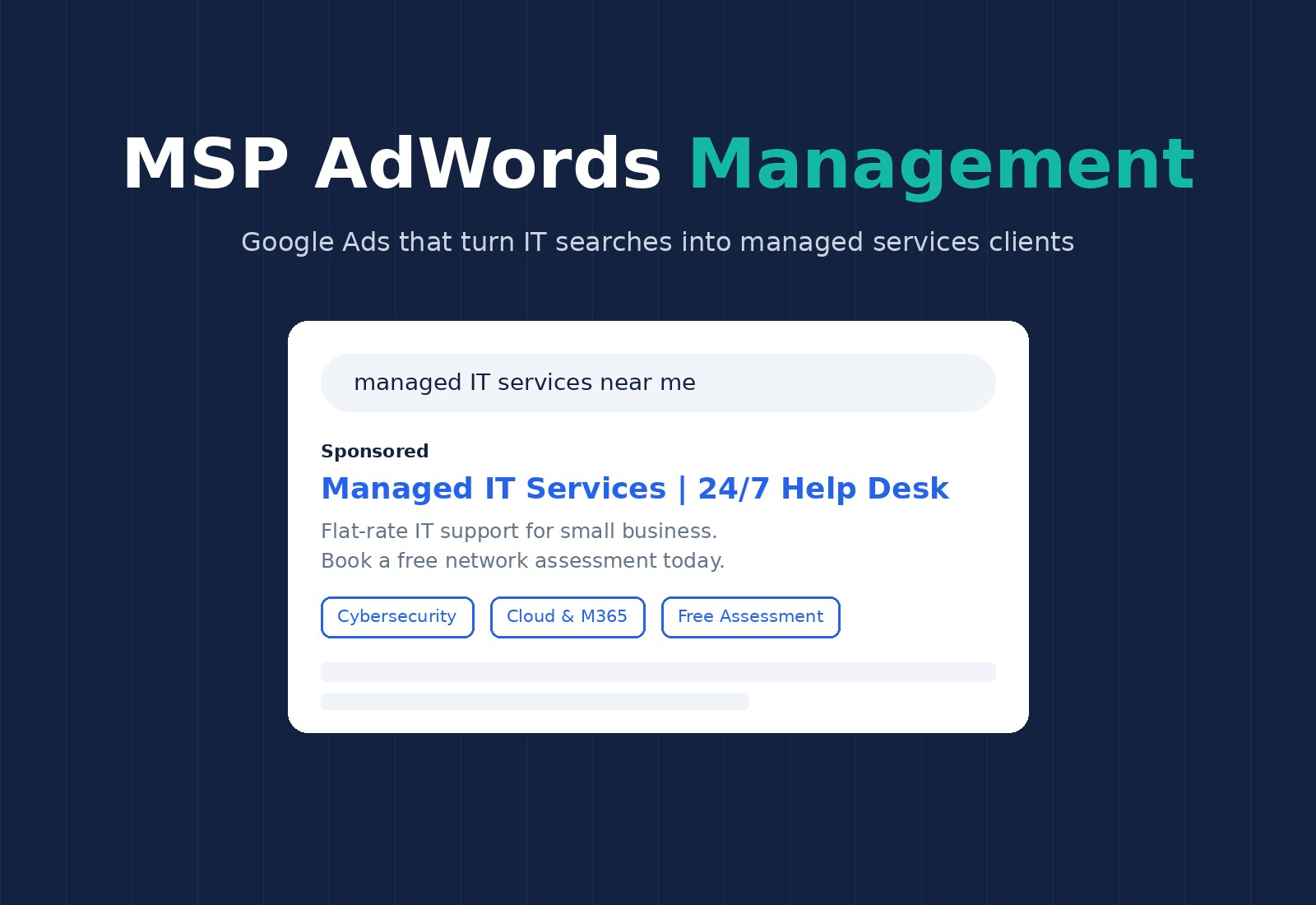
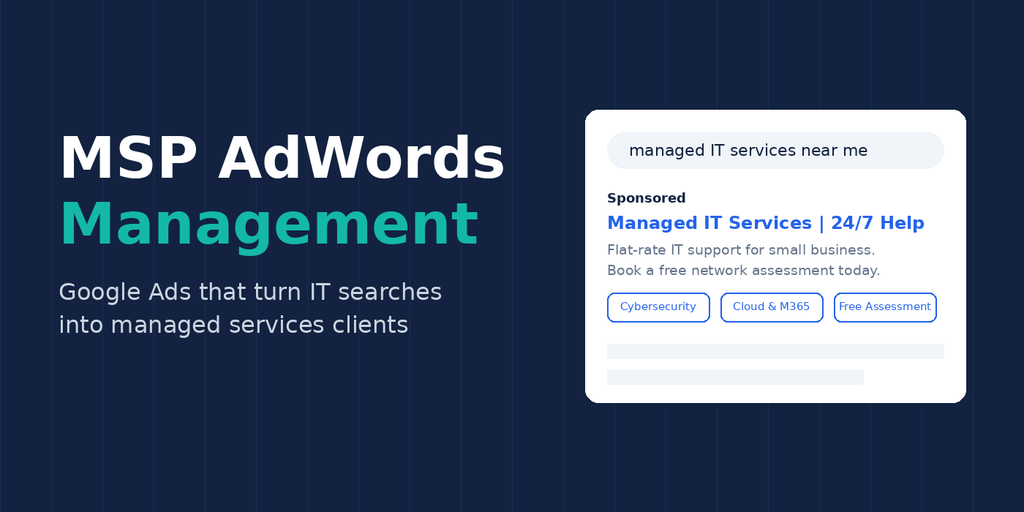
Ask most managed service providers where their last five clients came from and you will hear “referrals” and “I’m not really sure.” That second answer is the problem. When you can’t trace a new client back to a marketing channel, you can’t tell which dollars are working and which are wasted.
Google Ads (still called AdWords by many MSP owners) fixes that. You pick the exact searches your ads appear for, you pay only when someone clicks, and you can follow every click through to a form fill, a phone call, a booked assessment and, finally, a signed managed services agreement. Put the cost of that lead next to the monthly recurring revenue (MRR) the client brings in, and you have a real return on investment figure instead of a guess.
The catch is that Google Ads rewards discipline. An unmanaged account will happily spend your budget on students searching “IT support jobs” or homeowners looking for someone to fix a printer. This guide walks through the MSP AdWords management process step by step, from keyword research and campaign structure to landing pages, tracking and the weekly optimization routine that separates profitable MSP PPC campaigns from expensive experiments.
Why Google Ads Works for Managed Service Providers
Google Ads is the fastest measurable way for an MSP to put itself in front of businesses that are actively looking for IT help. Organic rankings take months to build; a well-built search campaign can produce its first qualified leads within weeks and reach a steady, predictable flow within three to six months.
Three things make paid search especially well suited to MSPs:
- Intent is visible. Someone typing “managed IT services for law firms near me” is telling you exactly what they need. Few other channels hand you that level of buying intent.
- The math works. A single managed services client paying $2,000 to $5,000 a month is worth tens of thousands of dollars over a typical contract. Even at a high cost per lead, one closed deal can pay for months of ad spend.
- Everything is measurable. You can see which keyword, ad and landing page produced each lead, then cut what doesn’t convert.
Paid search is not a replacement for organic visibility, though. Ads stop the moment you stop paying, while strong rankings keep compounding. The most efficient MSPs run both, using ads for immediate pipeline and SEO for long-term cost reduction. If you haven’t built that organic foundation yet, our complete guide to SEO for MSP providers explains how to do it.
Step 1 – Keyword Research: Find the Searches Buyers Actually Use
Every MSP Google Ads campaign starts with one question: what does a business owner type into Google when they need what you sell? The answer is rarely “managed service provider.” Many decision-makers don’t know the term. They search for the problem or the outcome instead.
Brainstorm across four keyword groups:
- Core service terms: managed IT services, IT support company, outsourced IT, network support.
- Local modifiers: IT support [city], managed IT services near me, computer support [county].
- Vertical terms: IT services for dental offices, law firm IT support, HIPAA compliant IT provider.
- Problem and specialty terms: cybersecurity services for small business, Microsoft 365 migration, cloud backup and disaster recovery.
Use Google Keyword Planner inside your Ads account, then widen the list with tools like Semrush, Ahrefs or Ubersuggest. Check each term for search volume, estimated cost per click and, most importantly, intent. “IT support” alone attracts job seekers, students and consumers with broken laptops. “Managed IT support for small business” attracts buyers.
Build your negative keyword list at the same time. Common MSP negatives include jobs, salary, careers, certification, course, free, home, personal, repair shop, Geek Squad and how to. Adding these on day one can save a large share of a new account’s budget.
Step 2 – Campaign Planning: Structure Before You Spend
A clean account structure is the single biggest predictor of whether your MSP PPC campaign can be optimized later. Group your keywords into tightly themed ad groups of roughly 8 to 15 closely related phrases, then group those ad groups into campaigns by service line or geography.
A typical MSP account looks like this:
- Campaign: Managed IT Services – ad groups for managed IT services, outsourced IT, IT support company.
- Campaign: Cybersecurity – ad groups for managed security, penetration testing, security awareness training.
- Campaign: Cloud & Microsoft 365 – ad groups for cloud migration, Microsoft 365 support, backup and recovery.
- Campaign: Brand – your company name and variations, so competitors can’t intercept people already looking for you.
Separating campaigns lets you set a different budget for each service. If cybersecurity projects are your highest-margin work, you can fund that campaign more heavily without starving the rest.
Plan it all in a spreadsheet first: campaign, ad group, keywords, match types, headline ideas and destination URL. It feels slow, but it turns the build into a copy-and-paste job and gives you a map you can return to every time you optimize.
Step 3 – Write Ad Copy That Speaks to IT Buyers
Your ad has about three seconds to convince a busy office manager or CFO that you are worth a click. Google’s responsive search ads let you supply up to 15 headlines and 4 descriptions, then test the combinations automatically. Use that space deliberately.
Strong MSP ad copy usually includes:
- The keyword in a headline, so the ad mirrors the search. Someone searching “IT support for accounting firms” should see those words.
- A concrete outcome: “15-Minute Response Time,” “Flat-Rate Monthly IT,” “24/7 Help Desk.”
- Proof: years in business, number of clients supported, Google review rating, certifications such as Microsoft Solutions Partner.
- A clear call to action: “Book a Free Network Assessment,” “Get a Same-Day Quote.”
Add assets (formerly extensions) to take up more space on the results page: sitelinks to your service pages, callouts for key selling points, a call asset with your phone number, and a location asset linked to your Google Business Profile. More real estate means a higher click-through rate, and a higher click-through rate feeds your Quality Score.
Avoid pinning every headline in place. Pin only what must appear, such as your main keyword headline, and let Google test the rest.
Step 4 – Build Landing Pages That Convert Clicks into Leads
Sending ad traffic to your homepage is the most common and most expensive mistake in MSP AdWords management. Every ad group should point to a landing page that matches the search. A click on a cybersecurity ad lands on a cybersecurity page; a click on “IT support for dental offices” lands on a page about dental IT.
Message match matters for two reasons. Visitors who immediately see their problem reflected back are far more likely to convert. And Google scores landing page experience as part of your Quality Score, so relevant pages lower your cost per click.
Every MSP landing page should include:
- A headline that echoes the ad.
- A primary call to action above the fold, such as a free network assessment, security audit or IT consultation.
- A short form asking only for name, email, phone and company. Every extra field lowers completions.
- A click-to-call phone number, because many IT buyers would rather talk than type.
- Trust signals: client logos, testimonials, review stars, compliance badges and response-time guarantees.
- Fast load times on mobile. Aim for under three seconds.
The typical conversion path runs: search, ad, landing page, form or call, discovery meeting, proposal, signed agreement. Each step is a place to measure and improve.
Step 5 – Campaign Setup: The Settings That Protect Your Budget
Google’s default settings are built to spend money, not to find you managed services clients. Review each of these before launch.
Network. Choose Search only. Untick “Include Google Display Network” and “Include Google search partners” for new campaigns. Display can come later as a retargeting layer.
Location targeting. Target the cities, counties or ZIP codes you can actually serve, and set the option to “Presence: people in or regularly in your targeted locations.” The default “presence or interest” setting can show your ads to people on the other side of the country.
Ad schedule. Most B2B IT searches happen during business hours. Start with weekdays, roughly 7 a.m. to 7 p.m. local time, then expand if the data shows evening or weekend conversions.
Budget. Many MSPs start in the range of $1,500 to $3,000 a month per market. Work backward from your goals: if a lead costs $150 and one in five leads becomes a client, each new client costs about $750 in ad spend. Compare that to 12 months of MRR and the budget decision becomes simple.
Bidding. Start with Manual CPC or Maximize Clicks with a bid cap while you collect data. Once the account records around 30 conversions in a month, move to Maximize Conversions or Target CPA so Google’s automation has enough signal to work with.
Match types. Lean on phrase and exact match early. Broad match can work well later, but only with solid conversion tracking and a mature negative keyword list.
Step 6 – Set Up Conversion Tracking, Then Launch
Without conversion tracking, Google Ads is just an expensive traffic source. Before a single dollar is spent, confirm that the account records every action that signals a real lead:
- Form submissions (tracked through a thank-you page or Google Tag Manager event).
- Calls from ads, using Google forwarding numbers.
- Calls from the website, using a call tracking tool such as CallRail.
- Booked meetings, if you use a scheduling tool like Calendly.
Then go one step further. Connect your CRM (HubSpot, ConnectWise, Salesforce and others support this) and import offline conversions so Google learns which clicks became qualified opportunities and signed clients, not just form fills. This is what allows automated bidding to chase revenue instead of cheap, low-quality leads.
Launch on a Monday so you capture a full week of data. Check the account within the first few hours to confirm ads are serving and clicks are being recorded, then resist the urge to change everything in week one. Google needs time and data to settle.
Step 7 – Ongoing Campaign Management: Where the ROI Is Made
Launching the campaign is the beginning of MSP AdWords management, not the end. Accounts left alone drift: costs creep up, irrelevant searches creep in and ads that once performed go stale. Build a routine.
Daily (first month) or several times a week:
- Review the search terms report and add irrelevant queries as negatives.
- Check spend against budget and pause anything running away.
Weekly:
- Pause keywords with high spend and no conversions.
- Adjust bids or targets for the best performers.
- Review lead quality with your sales team: which leads were real businesses in your service area?
Monthly:
- Test new ad headlines and landing page variations.
- Compare cost per lead and cost per client by campaign.
- Calculate ROI: new MRR won from ads versus total ad spend and management cost.
Early on, expect to spend 30 to 60 minutes a day in the account. As the campaign matures, a few focused hours a week is usually enough. If nobody on your team has that time, a specialist MSP PPC agency is often cheaper than the budget an unmanaged account wastes.
Bonus Tips for MSP Google Ads Success
Once the core campaign is profitable, these additions can squeeze more value out of the same budget:
- Retargeting. Most visitors leave without converting. Retargeting ads on the Display Network and YouTube keep your MSP in front of them while they compare providers.
- A secondary offer. Not every visitor is ready for a sales call. Offer a cybersecurity checklist, an IT budget guide or a compliance readiness template in exchange for an email address.
- Lead nurturing. Follow up every conversion fast, ideally within the hour. Put non-responders into a short email sequence so you stay top of mind for the weeks it takes a business to switch providers.
- Microsoft Advertising. Import your Google campaigns into Bing. Clicks are often cheaper, and its audience skews toward the desktop office workers who buy IT services.
- Google Local Services Ads. Where available for IT services, these pay-per-lead ads sit above standard search ads and carry the Google Guaranteed or Google Screened badge.
Paid search is one channel in a bigger system. For the full picture, including referrals, partnerships, outbound and content, read how to get MSP clients: the complete growth playbook.
How Google Ads and SEO Work Together for MSPs
The best-performing MSPs treat paid and organic search as partners, not rivals. Your Google Ads data shows which keywords convert into real clients within weeks. Those proven terms then become priorities for your SEO content, so you invest in ranking for searches you already know make money.
The relationship runs the other way too. A fast, well-structured website with strong service pages improves landing page experience, which raises Quality Score and lowers cost per click. And when your business appears in both the paid ads and the organic results for the same search, prospects see you twice, which builds credibility before they ever click.
Over time, as organic rankings climb, you can pull back ad spend on keywords you rank well for and redirect budget to new services or markets. For a practical look at building that organic side, see our guide to SEO for IT and technology companies.
Frequently Asked Questions About MSP AdWords Management
How much should an MSP spend on Google Ads? Most MSPs start with $1,500 to $3,000 a month per market, plus management fees. Competitive metro areas may need more to generate consistent lead volume. Set your budget from your target cost per client, not from a round number.
How long before Google Ads produces clients? Clicks start within hours of launch. Leads usually follow in the first few weeks, but because MSP sales cycles often run 30 to 90 days, expect three to six months before you can judge ROI in signed contracts.
Is AdWords the same as Google Ads? Yes. Google renamed AdWords to Google Ads in 2018. Many MSP owners and agencies still use both names.
Should I manage Google Ads myself or hire an agency? If you have the time to review the account several times a week and the discipline to track leads through to closed deals, you can run it yourself. Otherwise, an agency that specializes in MSP PPC usually recovers its fee by cutting wasted spend.
Why am I getting clicks but no leads? The usual culprits are broad keywords without negatives, ads sending traffic to the homepage, weak or missing calls to action, and slow mobile pages. Check the search terms report first.
Turn Clicks into Contracts
Google Ads can be the most predictable lead source an MSP has, but only when it is researched, structured, tracked and actively managed. Follow the seven steps above, measure everything back to MRR, and pair your paid campaigns with a strong organic presence. That combination is how growing MSPs stop relying on referrals alone and start building a pipeline they control.