


Construction Website Design: What Every Contractor Website Needs

Two contractors bid on the same addition. Both have similar prices, similar experience and similar reviews.
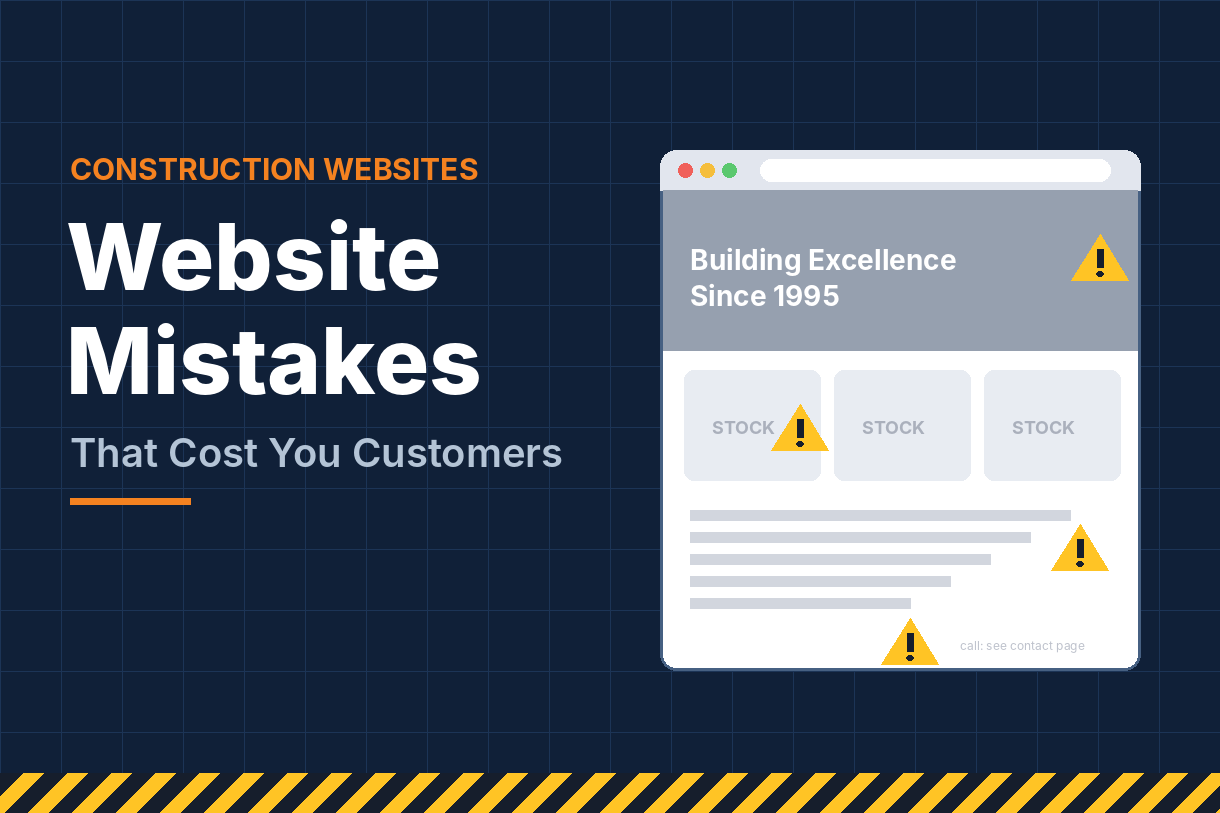
The homeowner visits both websites. One loads slowly, shows three stock photos and hides the phone number at the bottom of the page. The other opens instantly, shows a gallery of finished additions in the same town, lists licenses and warranties, and has a “Get a Free Estimate” button at the top of every page.
You already know who gets the call. Construction website design isn’t about looking fancy. It’s about making a stranger trust you enough to pick up the phone. This guide covers exactly what every contractor website needs to do that, section by section.
Why Website Design Decides Who Gets the Call
For most construction buyers, your website is the first real conversation they have with your company. They may have found you on Google Maps, through an ad or from a neighbor’s referral, but almost all of them check your site before they call.
In those first few seconds, visitors are asking three questions:
- Do you do what I need? Kitchens, roofs, commercial build-outs, whatever they’re searching for.
- Do you work where I am? A great contractor two hours away doesn’t help them.
- Can I trust you with a big, expensive project?
If your site answers all three quickly, people keep reading and reach out. If it doesn’t, they hit the back button and click the next company.
Your website also works behind the scenes. Google reads it to decide what you do, where you work and how trustworthy you are. A well-built site helps you rank in search and in the map pack. A poorly built one can hold back every other marketing investment you make.
The good news: you don’t need an award-winning design. You need a clear, fast, trustworthy site with the right pages. Let’s walk through them.
1. A Homepage That Answers the Big Questions in Five Seconds
Your homepage has one job: confirm the visitor is in the right place and point them to the next step. The section people see before scrolling, called “above the fold,” matters most.
A strong contractor homepage includes:
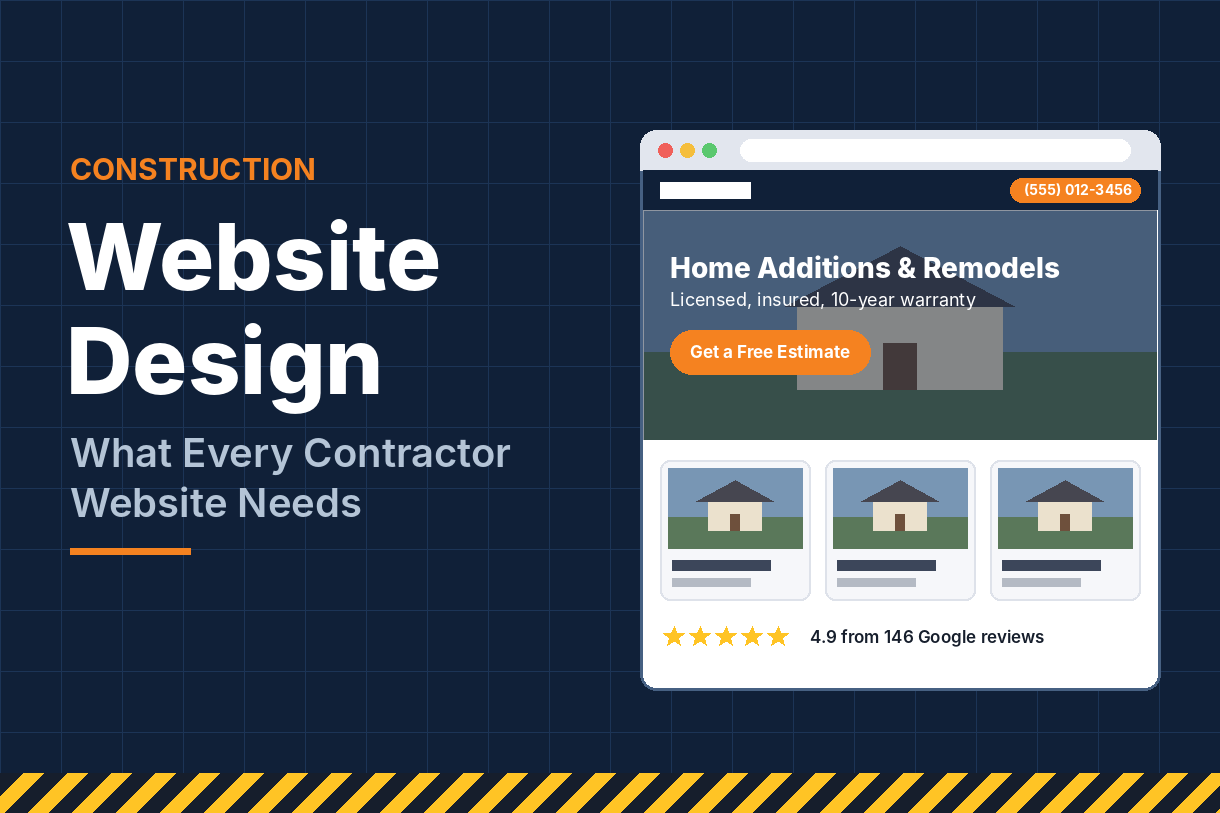
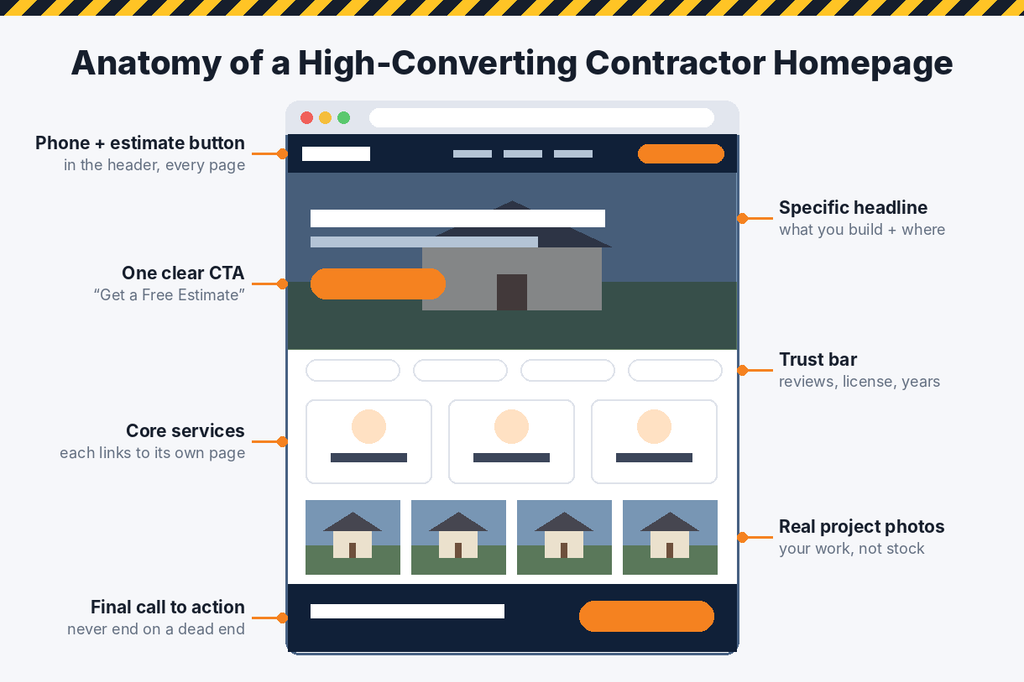
- A specific headline. “Custom Home Additions and Remodels in Northern Virginia” tells people exactly what you do and where. “Building Dreams Since 1998” tells them nothing.
- A short supporting line with your biggest differentiator, such as fixed-price quotes, in-house crews or a 10-year workmanship warranty.
- A primary call to action, like “Get a Free Estimate,” plus a visible, clickable phone number.
- A real project photo as the hero image. Your own finished work beats any stock photo.
- Quick trust markers right below: star rating, years in business, licensed and insured badges.
Below the fold, guide visitors deeper. Add a short overview of your core services with links to each service page, a few featured projects, a handful of reviews, a brief “how we work” process and a final call to action.
Keep the navigation simple. Most contractor sites need only five or six menu items: Services, Projects, About, Reviews, Service Areas and Contact. Put the phone number and estimate button in the header so they follow visitors on every page.
2. A Dedicated Page for Every Core Service
One of the most common mistakes on contractor websites is a single “Services” page listing everything in one paragraph. It’s bad for visitors and bad for search.
Someone searching “basement finishing contractor” wants a page about basement finishing, not a list that mentions it alongside roofing and decks. Google feels the same way. A dedicated page gives you a real chance to rank for that service.
Each service page should include:
- A clear H1 naming the service and your main area, such as “Basement Finishing in Columbus, OH.”
- What the service includes, in plain language, from design through cleanup.
- Photos from your own projects of that specific service.
- Answers to common buyer questions: timelines, permits, typical price ranges and materials.
- Relevant reviews from clients who hired you for that work.
- A call to action at the top, middle and bottom of the page.
Aim for helpful, original copy rather than a few thin sentences. If you can’t think of what to write, list the ten questions customers ask you most on estimates and answer them.
The technical details matter as well: a unique title tag and meta description, descriptive headings, optimized images with alt text, and internal links between related services. Getting these right across every page is the core of on-page SEO, and it’s often the difference between a service page that ranks and one that sits unseen.
3. A Project Portfolio That Proves You Can Do the Job
In construction, your past work is your best salesperson. Buyers want to see projects like theirs before they trust you with their home or building.
Organize your portfolio so it’s easy to browse:
- Filter by project type: kitchens, additions, roofing, commercial, new builds.
- Show before and after photos side by side wherever possible.
- Include the location (“Kitchen Remodel, Alexandria, VA”) so local buyers see you’ve worked nearby.
- Add a short description of the scope, materials and timeline.
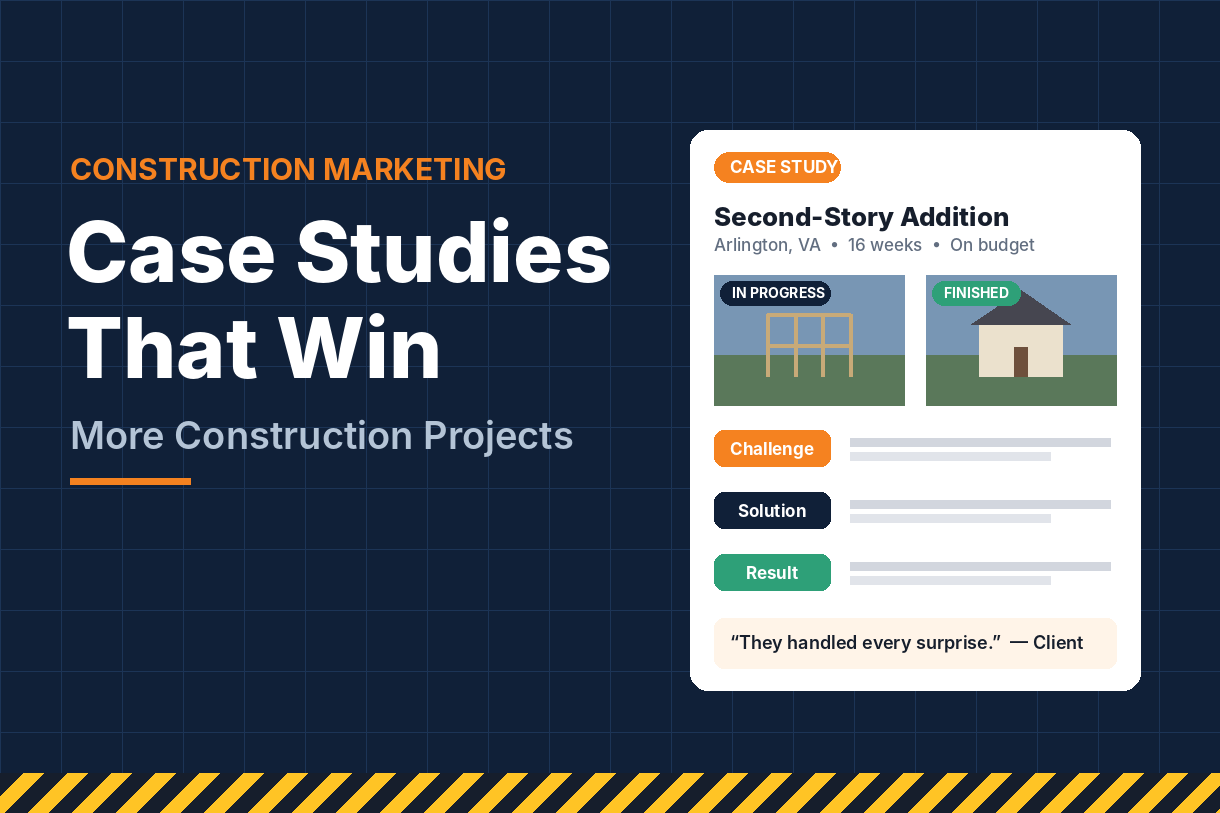
Then go a step further with a few detailed case studies. A good case study tells a simple story: what the client needed, what challenges came up, how you solved them, and the result. Add progress photos and a quote from the client. These pages persuade buyers, and they also give Google rich, location-specific content to index.
Photo quality matters. You don’t need a professional photographer for every job, but take finished-project photos in good daylight, with the space cleaned and staged. Shoot horizontally, from several angles, and keep a consistent style. Compress images before uploading so your gallery doesn’t slow the site down.
Update the portfolio regularly. A gallery whose newest project is from 2021 makes visitors wonder whether you’re still busy, or still in business.
4. Trust Signals on Every Page
Hiring a contractor feels risky. Buyers have heard horror stories about unfinished jobs, surprise costs and unlicensed crews. Your website needs to remove those fears before they become objections.
The trust signals that matter most:
- License numbers and insurance. Display them in the footer and on your About page. Buyers do check.
- Reviews and testimonials. Embed recent Google reviews and add written or video testimonials with the client’s first name, town and project type.
- Warranties and guarantees. If you offer a workmanship warranty, make it prominent.
- Certifications and memberships: manufacturer certifications, the BBB, NARI, NAHB or local builder associations.
- Real team photos. Show the owner and crews. People hire people, and faces make a company feel accountable.
- A clear process. A simple “How We Work” section (consultation, design, estimate, build, final walkthrough) shows you’re organized and sets expectations.
Your About page deserves real attention too. It’s often one of the most visited pages on a contractor site. Tell the company’s story, introduce the team, explain your values and include a photo of the owner. Generic copy about “quality and integrity” doesn’t build trust. Specific details do: how long you’ve been building, how many projects you’ve completed, and why clients come back.
5. Mobile-First Design and Fast Load Times
Many of your visitors are on a phone: a homeowner standing in a leaky basement, a property manager between meetings, a neighbor who just saw your truck. Google also evaluates your site based on its mobile version. If the site is hard to use on a phone, you lose both leads and rankings.
A mobile-friendly contractor site should have:
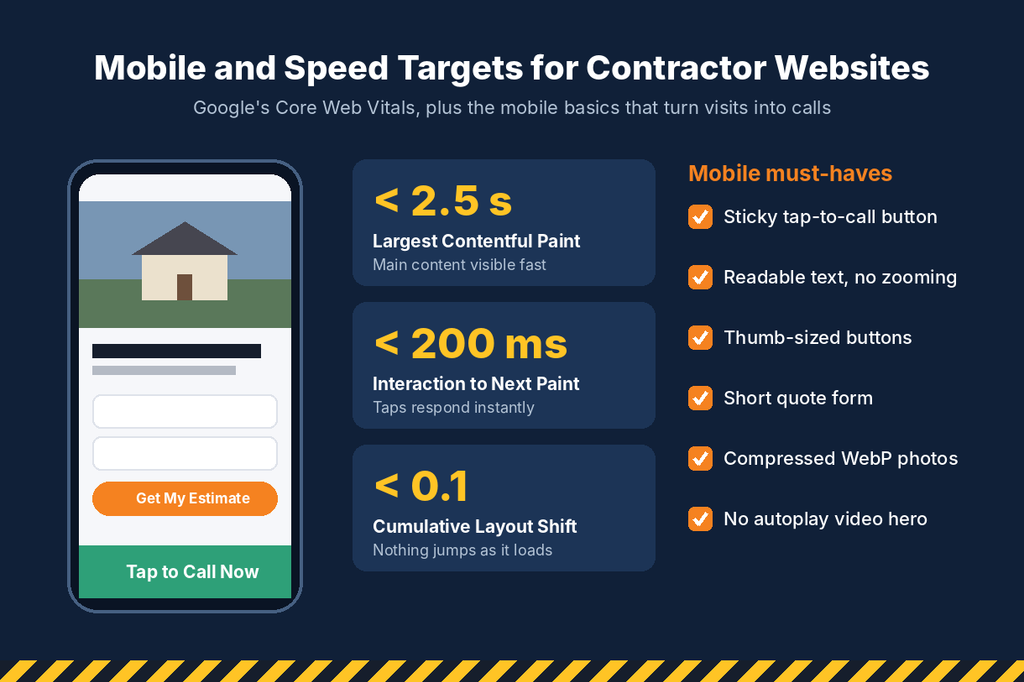
- A tap-to-call button that stays visible as visitors scroll.
- Text large enough to read without zooming, and buttons big enough to tap with a thumb.
- Short forms that are easy to fill in on a small screen.
- Galleries that swipe smoothly and don’t push the page sideways.
Speed is just as important. Visitors don’t wait for slow sites, and Google’s Core Web Vitals measure the experience directly. The targets to aim for: the main content loads in under 2.5 seconds (Largest Contentful Paint), the page responds to taps in under 200 milliseconds (Interaction to Next Paint), and the layout doesn’t jump around as it loads (Cumulative Layout Shift under 0.1).
The biggest speed problems on contractor sites are almost always the same:
- Huge, uncompressed project photos. Resize them and use modern formats like WebP.
- Bloated themes and too many plugins, especially on WordPress.
- Auto-playing background videos on the homepage.
- Cheap hosting that struggles under normal traffic.
Test your site with Google’s free PageSpeed Insights tool, then fix the issues it flags, starting with images.
6. Clear Paths to a Quote: Calls, Forms and Calls to Action
A beautiful site that doesn’t generate inquiries is just an expensive brochure. Every page should make the next step obvious and easy.
Make the phone number impossible to miss. Put it in the header of every page, make it clickable on mobile, and use the same number listed on your Google profile and directories.
Keep quote forms short. Ask only for what you need to follow up: name, phone, email, project type, town and a short description. You can collect budget and timeline details on the call. Every extra field reduces the number of people who finish the form.
Use specific calls to action. “Get Your Free Roofing Estimate” outperforms a generic “Submit” or “Contact Us.” Place one near the top of each page, another after key content, and a final one at the bottom.
Set expectations after submission. A thank-you page or message should say exactly what happens next, such as “We’ll call you within one business day.”
Add tracking. Set up call tracking and form tracking in Google Analytics so you know which pages and channels produce leads.
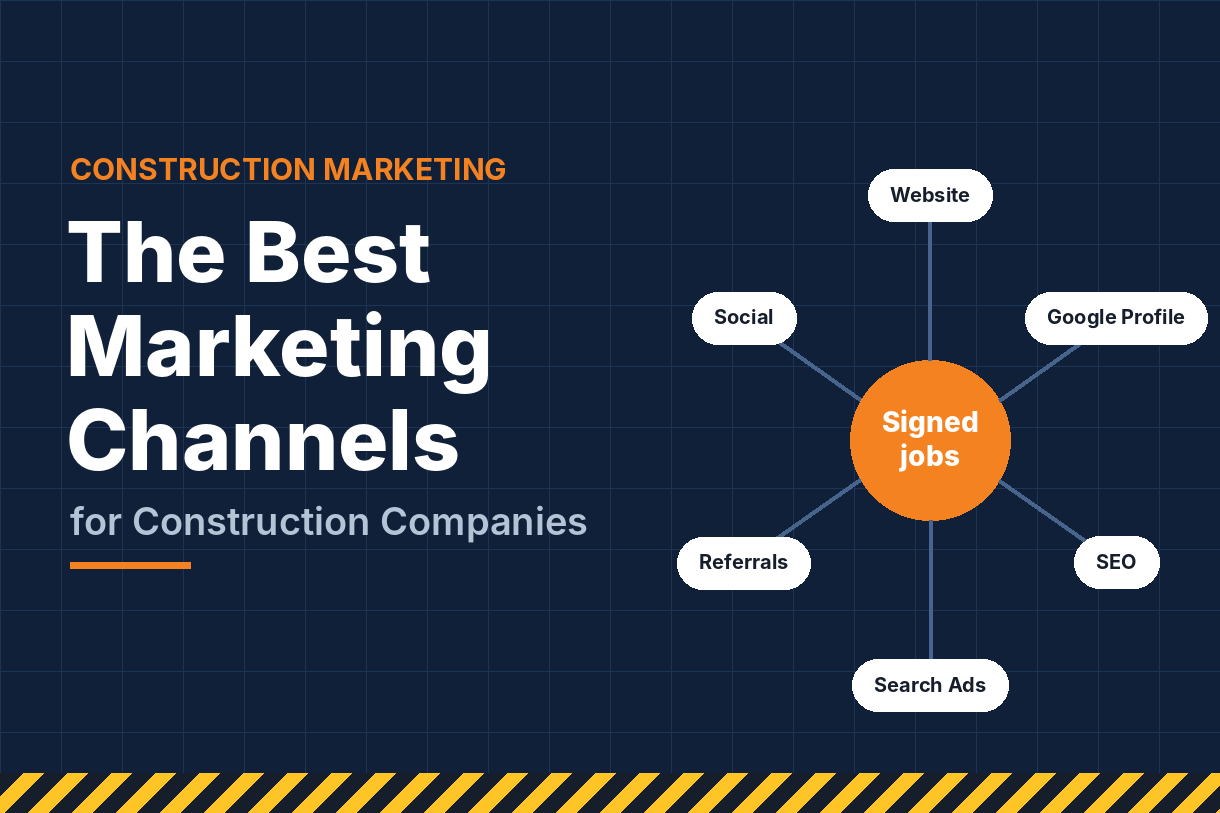
Your website is the hub of your lead generation, but it works best when other channels send people to it, and when someone follows up fast. For the full system of SEO, ads, reviews, social media and follow-up working together, see our guide to construction company marketing.
7. A Site Structure Built for Search
Design and SEO should be planned together, not bolted on after launch. The way your pages are organized tells Google what you do and where you do it.
A simple, effective structure for most contractors looks like this:
- Homepage: your overall brand, top services and main service area.
- Service pages: one per core service, as covered above.
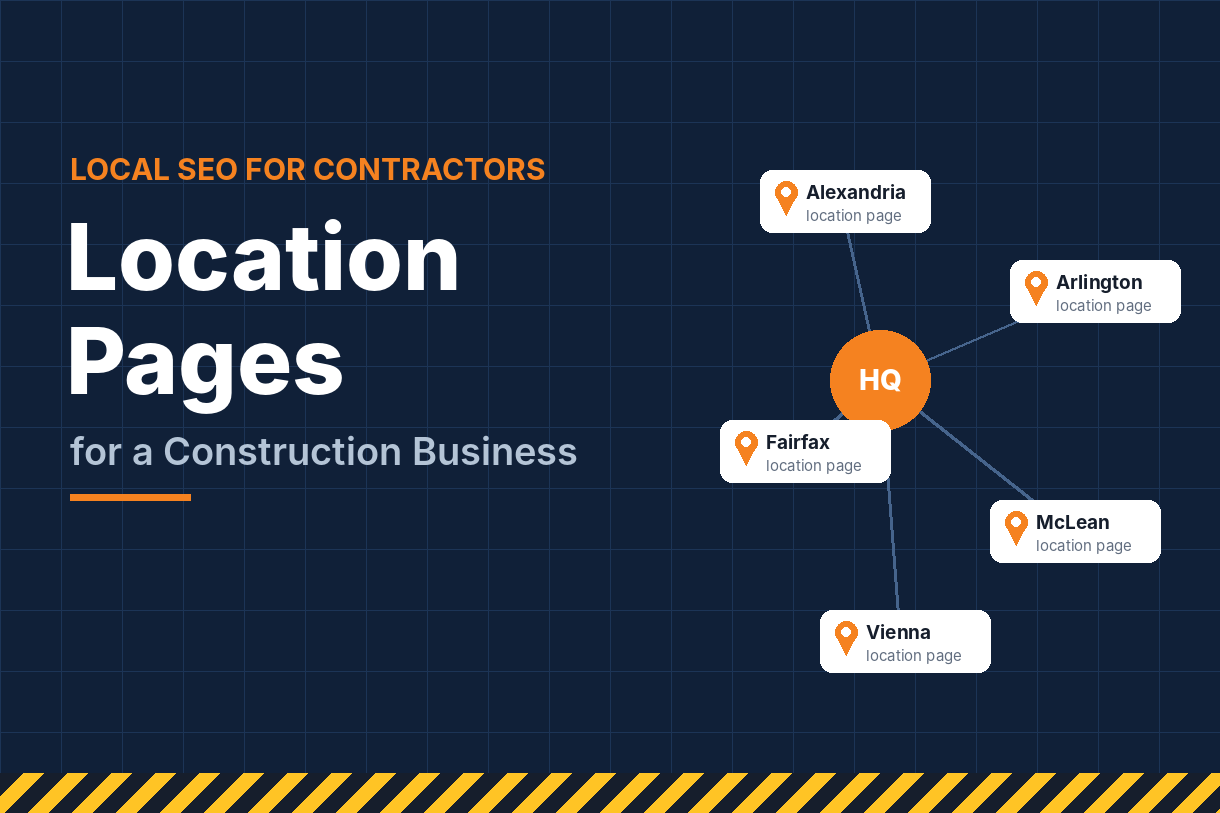
- Location pages: one for each important town or city you serve.
- Projects and case studies: organized by type and location.
- Blog or resources: answers to the questions buyers ask before hiring.
- About, Reviews and Contact.
Location pages need real substance to rank. Include projects completed in that area, local permitting notes, the neighborhoods you cover and reviews from local clients. Pages that only swap the city name rarely perform and can look spammy.
Your website and your Google Business Profile should reinforce each other. Your business name, address and phone number must match exactly, and the website link on your profile should point to a page that matches your primary category and location. Our Google Business Profile guide for contractors walks through how to set that up.
Beyond structure, ranking takes keyword research, content, technical health and authority from backlinks. We cover those in depth in our guide to SEO for construction companies.
If you also offer residential services like roofing, HVAC or plumbing, many of the same principles apply. Our article on SEO for home services explains how service businesses rank higher and book more jobs.
8. A Smooth Launch and Ongoing Care
Launching a new site, or redesigning an old one, is where many contractors accidentally lose rankings they spent years building. A few precautions prevent that:
- Keep or redirect old URLs. If a page’s address changes, set up a 301 redirect from the old URL to the new one, so existing rankings and links carry over.
- Keep content that already ranks. Check which pages bring in traffic before you redesign, and don’t delete them or strip their content.
- Submit an XML sitemap to Google Search Console after launch, and watch for crawl errors in the following weeks.
- Test every form and phone link on desktop and mobile before you announce the new site.
- Use HTTPS across the entire site.
After launch, a website needs regular attention, just like a truck or a piece of equipment. Plan to:
- Add new projects to the portfolio every month.
- Publish helpful articles that answer buyer questions.
- Update plugins and software, and keep backups.
- Review analytics quarterly to see which pages bring in leads, and improve the ones that don’t.
A website that’s maintained and improved keeps climbing. One that’s left alone slowly loses ground to competitors who keep working on theirs. If you’d rather have that ongoing work handled for a predictable monthly cost, our SEO packages cover content, technical upkeep, local SEO and reporting in one plan.
Common Construction Website Design Mistakes
These are the problems we see most often when reviewing contractor websites:
- Stock photos instead of real projects. Buyers can tell, and it undermines trust.
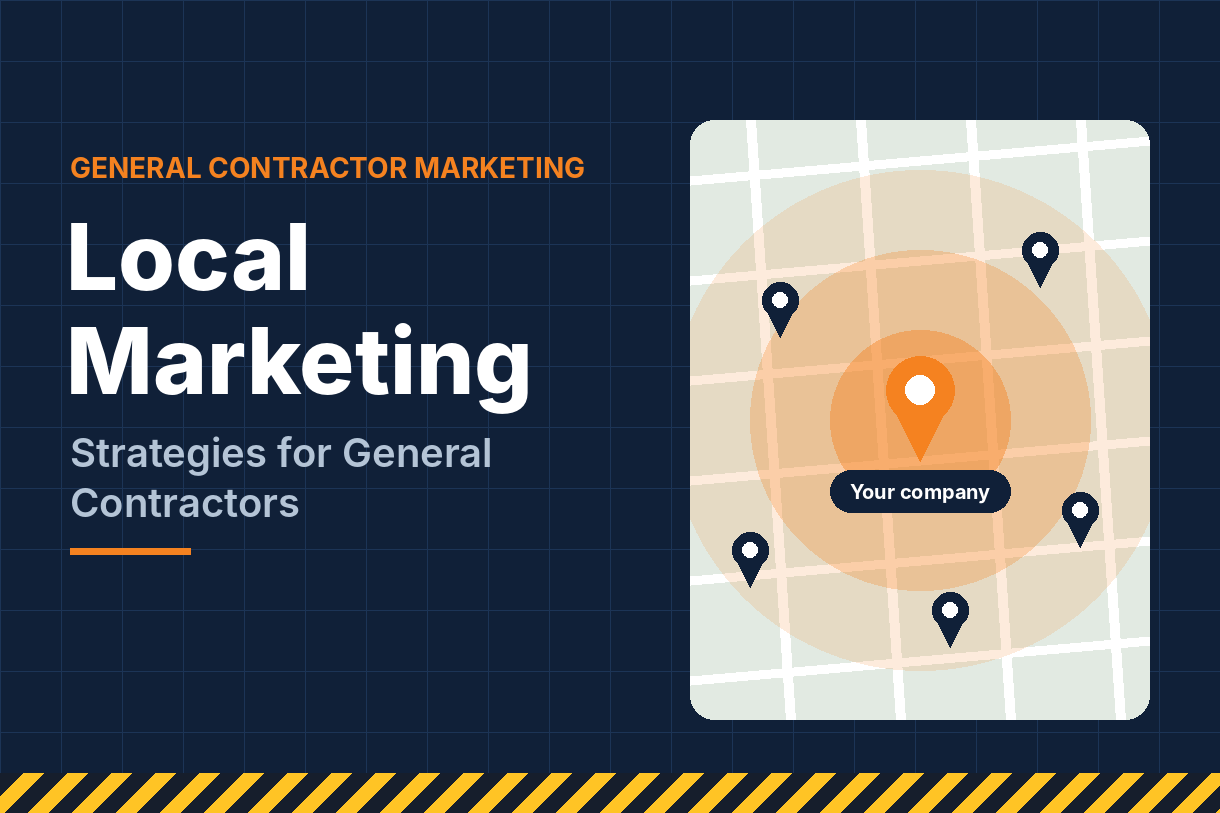
- No clear service area. Visitors and Google shouldn’t have to guess where you work.
- One page for all services. It’s hard to rank for anything when everything is lumped together.
- Hidden contact details. If the phone number takes more than a second to find, you’re losing calls.
- Long, complicated quote forms. Ask for the basics and get the rest on the phone.
- A slow, heavy homepage, usually caused by oversized images or background video.
- An outdated portfolio and copyright year, which make the business look inactive.
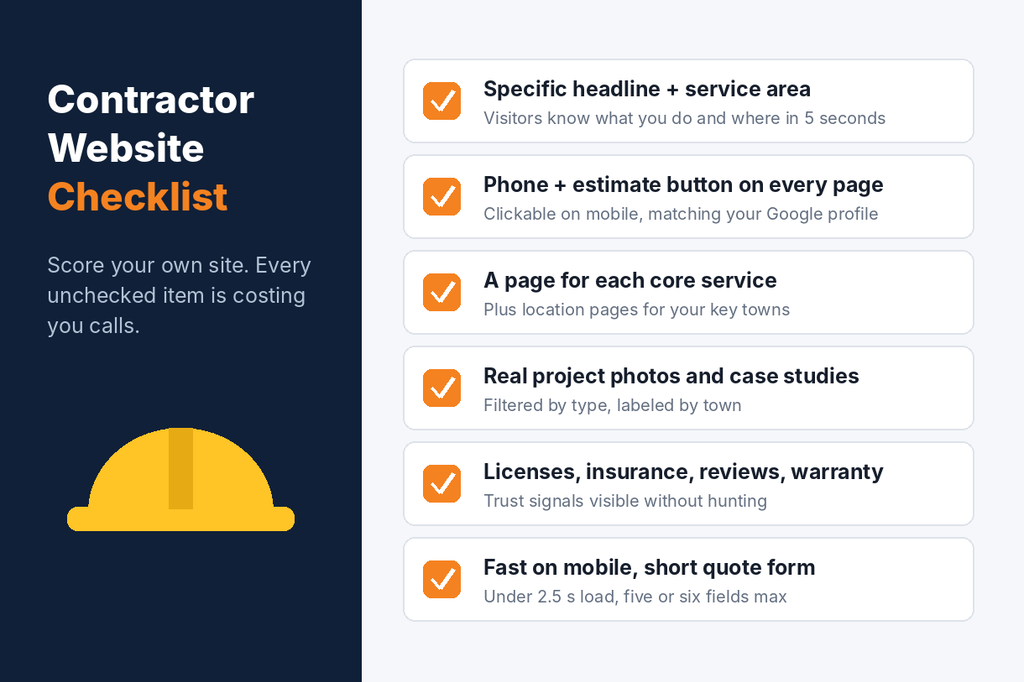
Use this checklist to review your own site:
Frequently Asked Questions
How much does a construction website cost? It depends on size and features. A small template-based site costs far less than a custom site with dozens of service and location pages. Focus on value: a site that brings in even one extra project a year often pays for itself.
How many pages should a contractor website have? At minimum: a homepage, one page per core service, a portfolio, About, Reviews and Contact. Add location pages for each important town you serve, plus blog content over time.
Should I use a website builder or hire a professional? Builders can work for a simple starter site. As you grow, a professionally built site gives you more control over speed, structure and SEO, which usually leads to more leads.
How often should I update my construction website? Add new projects monthly, review content quarterly and plan a larger refresh every few years, or sooner if leads drop.
Will a new website alone bring in more leads? A better website converts more of your existing traffic. To grow traffic too, pair it with local SEO, ads and reviews, as outlined in our guide on how to generate more construction leads online.
Build a Website That Wins You Work
Your website should work as hard as your best estimator: answering questions, building trust and booking the next appointment, day and night.
Social Market Way helps contractors build websites that rank in search and turn visitors into qualified project leads. Contact our team today for a review of your current site and a clear plan to make it your best source of new work.