


Google Business Profile for Contractors: A Complete Optimization Guide

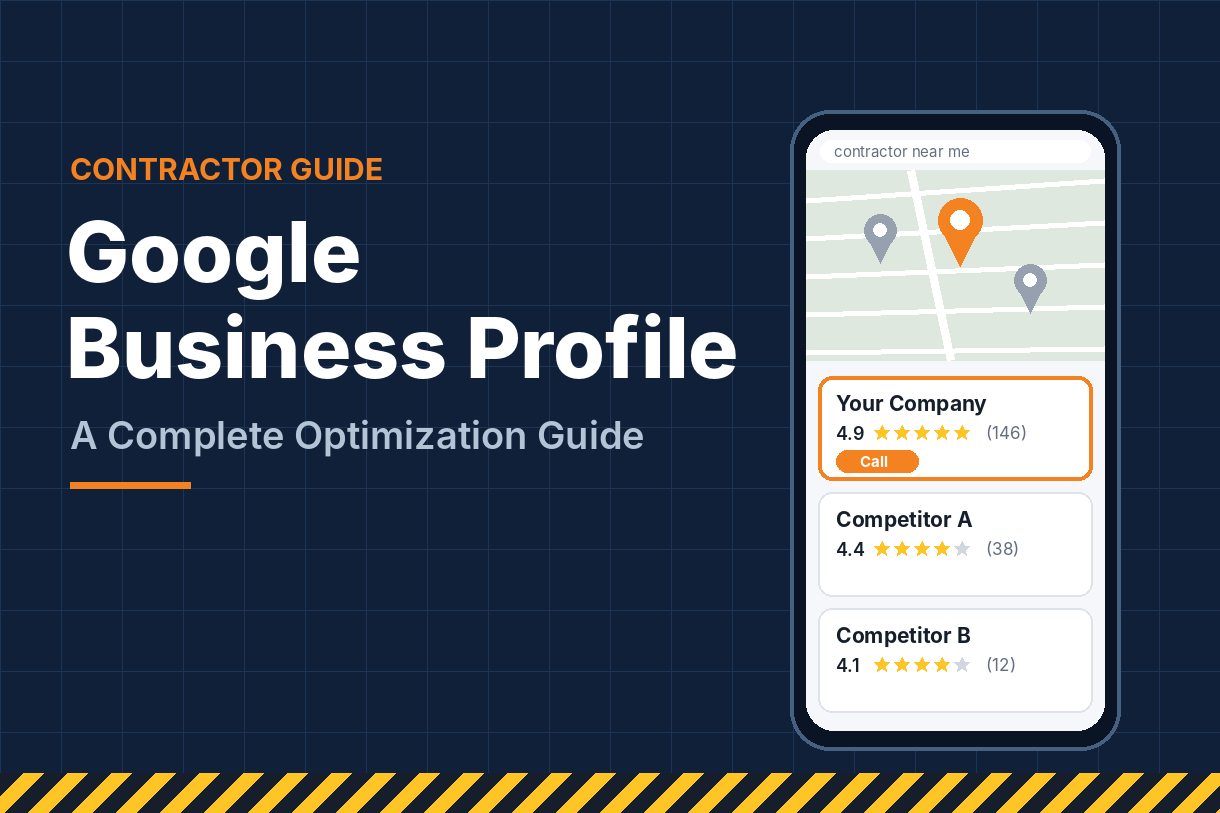
A homeowner’s basement floods on a Sunday. They grab their phone and search “water damage contractor near me.”
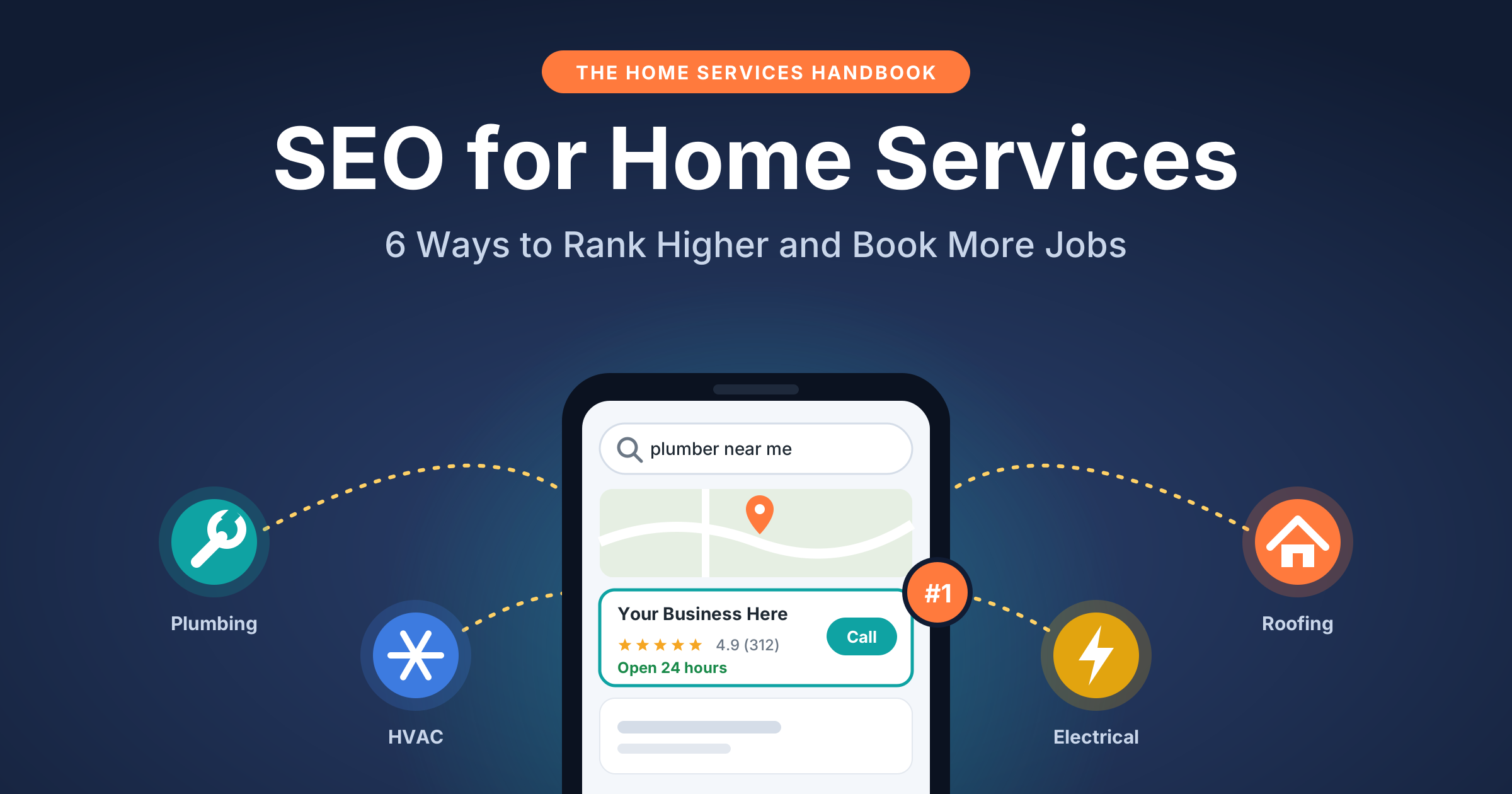
They don’t scroll through ten websites. They look at the map, see three companies, check the star ratings and tap “Call” on one. The whole decision takes about a minute.
That map listing is your Google Business Profile, and for many contractors it’s the single biggest source of phone calls. This guide covers how to set it up correctly, optimize every section that affects rankings, and keep it working month after month.
Why Google Business Profile Matters So Much for Contractors
When someone searches for a local service, Google usually shows a map with three businesses before the regular results. This is called the local pack or map pack. On a phone, it often fills most of the screen.
For contractors, that placement is valuable for three reasons:
- It captures urgent, high-intent searches. People searching “roofer near me” or “emergency plumber” want to hire, not research.
- It puts your reviews front and center. Star ratings and review counts appear right in the listing, so trust is built before anyone visits your website.
- It makes contact effortless. Call, directions and website buttons are one tap away.
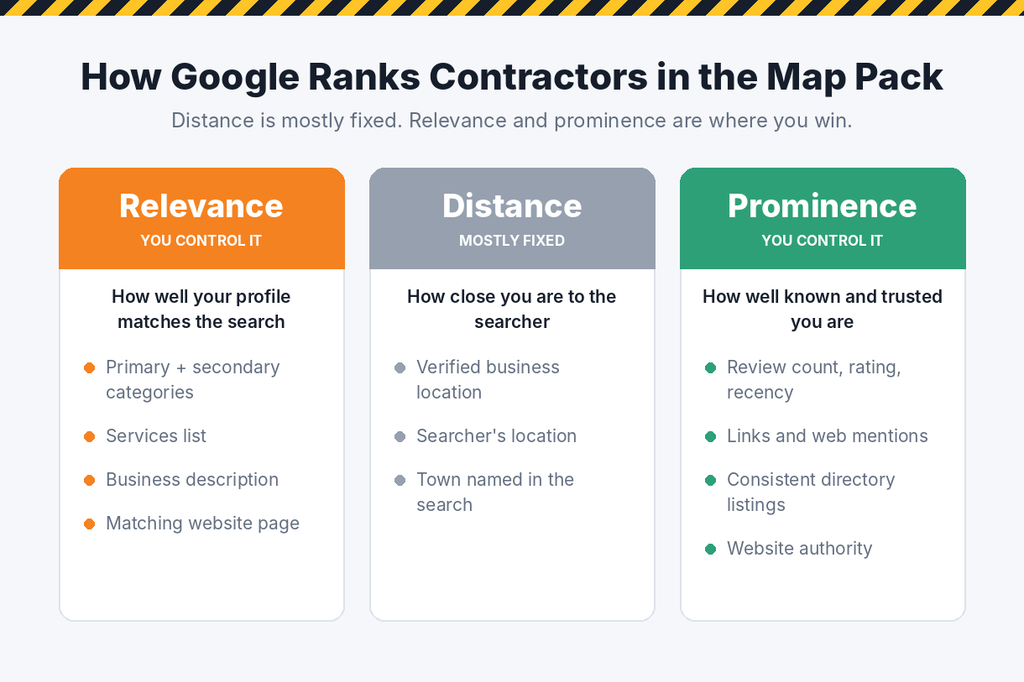
Google ranks these listings on three broad factors:
- Relevance: how well your profile matches what was searched. Categories, services and descriptions drive this.
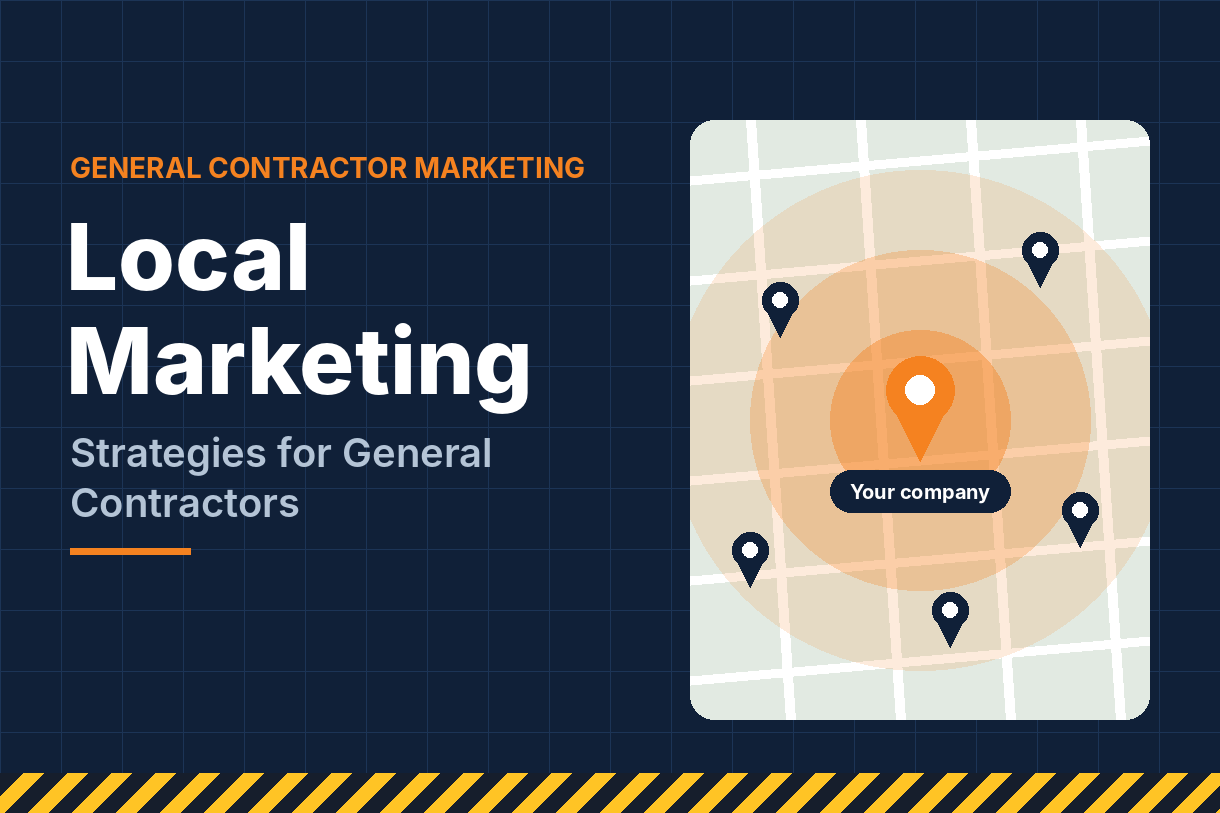
- Distance: how close your business is to the searcher or the location in their search.
- Prominence: how well known and trusted your business is. Reviews, links, mentions across the web and your website’s strength all count.
You can’t move your office closer to every customer, so distance is mostly fixed. Relevance and prominence are where optimization pays off, and that’s what the rest of this guide covers.
Step 1: Claim, Set Up and Verify Your Profile Correctly
Start by searching for your company on Google Maps. If a listing already exists, claim it instead of creating a duplicate. Duplicate profiles split your reviews and can trigger suspensions.
Most contractors are what Google calls a service-area business. You travel to the customer instead of having them visit you. That changes how you set things up:
- Hide your address if customers don’t come to your office or yard. Google’s guidelines require this for businesses that serve customers only at their locations.
- Never use a virtual office, PO box or coworking address. These are a common cause of suspensions in the contractor space.
- Use your real business name. Adding keywords or cities to the name (“Smith Roofing Best Roofer Dallas”) breaks Google’s rules and can get the profile suspended.
- Use a local phone number that matches the one on your website.
Google then verifies that you’re a real, operating business. Today that’s often a short video showing your signage, branded vehicle, tools or business documents. Prepare these before you start, and record in one continuous take.
Take verification seriously. A profile that’s correct from day one is far easier to rank than one that’s been suspended and reinstated.
Step 2: Choose the Right Categories, Services and Service Areas
Your primary category is the most important relevance signal in your entire profile. Choose the one that describes your core business most precisely: “Roofing contractor” rather than “Contractor,” or “Kitchen remodeler” rather than “General contractor” if kitchens are most of your work.
Then add secondary categories for other work you genuinely do. A remodeler might add “Bathroom remodeler” and “Deck builder.” Don’t add categories for work you rarely take on, because irrelevant categories can dilute your profile.
The Services section lets you list specific jobs under each category. Be thorough and write like your customers search:
- Roof replacement, roof repair, storm damage repair, gutter installation
- Kitchen remodeling, cabinet installation, countertop replacement
- Concrete driveways, patios, foundation repair
Service areas need care too. Google now limits you to 20 areas, set as cities or ZIP codes rather than a radius, states or countries. Areas should also stay within about two hours’ drive of your base, per Google’s updated rules. Pick the towns where you want work, not every town you could technically reach.
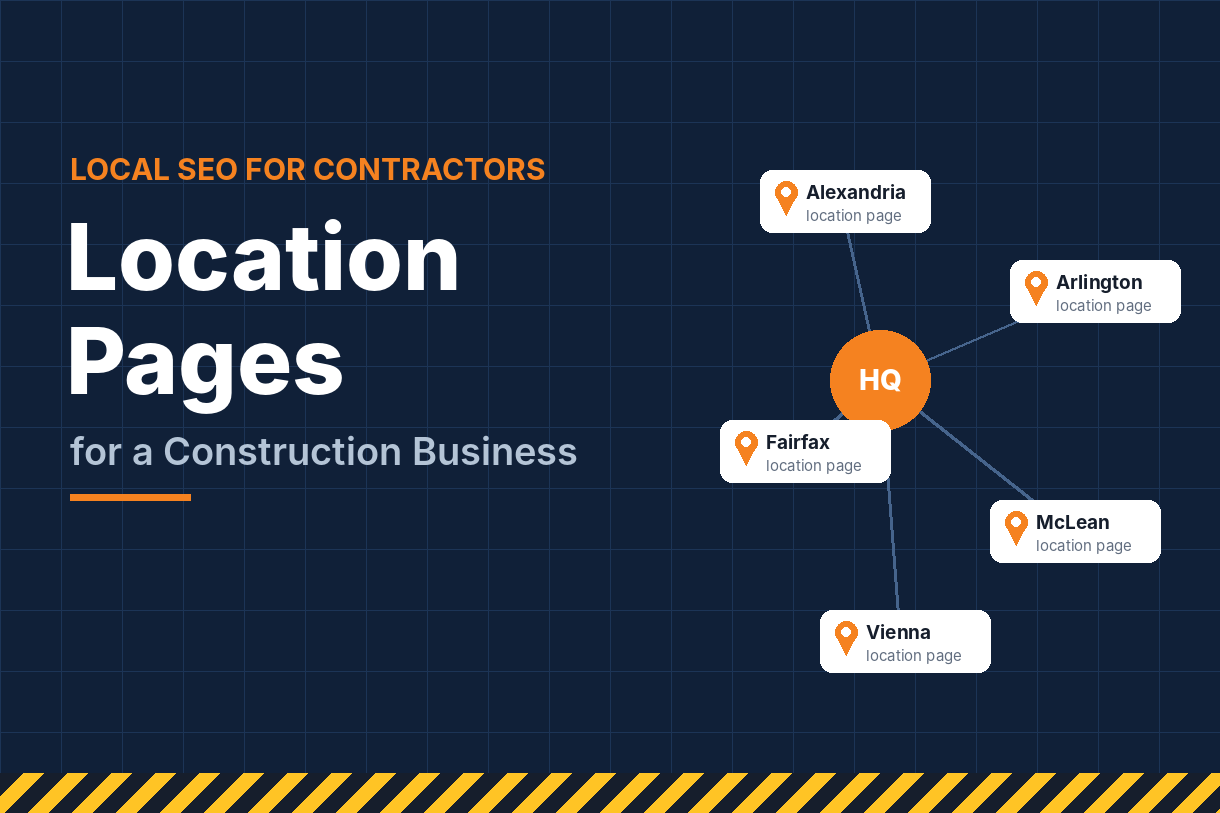
It’s also worth knowing that listing a service area doesn’t guarantee you’ll rank there. Distance from your verified location still matters. To win work in towns farther away, you’ll need supporting location pages on your website and a broader local SEO plan that builds relevance in each market.
Step 3: Write a Description That Sells and Fill Every Field
You get 750 characters for your business description. Use them to say what you build, where you work and why clients choose you. Mention your main services and towns naturally, the way you’d describe your company to a new customer.
A strong contractor description covers:
- What you specialize in (residential remodeling, commercial build-outs, roofing)
- Your service area
- Years in business, licensing and insurance
- What makes you different, such as warranties, in-house crews or fixed-price quotes
Avoid stuffing it with keywords or pasting in links. The description is for people first.
Next, complete everything else Google offers: hours (including whether you take emergency calls), your opening date, attributes like “Veteran-owned” or “Online estimates,” and booking or quote links if you use them. Every completed field gives Google more information to match you with searches.
Google’s AI features now lean on that information too. The old Q&A section has been removed from Business Profiles, and Google Maps answers shopper questions with AI drawn from your profile, reviews and website, as Whitespark explains. Complete, accurate details mean better answers about your business.
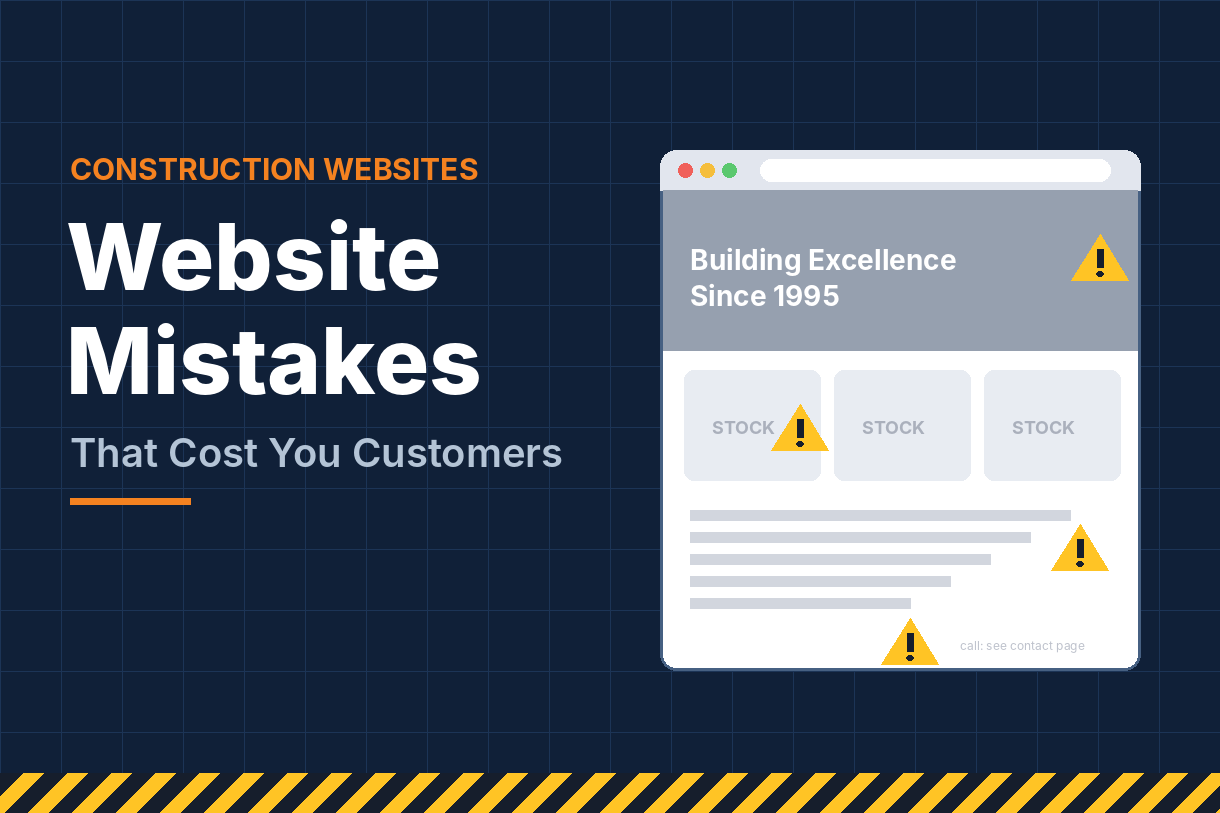
Finally, the website link matters more than most contractors realize. Google cross-checks your profile against your site. Link to a page that clearly matches your primary category and location, with your name, address and phone number visible and consistent. That page should be properly optimized with clear titles, headings and service copy; on-page SEO is what makes your website reinforce your profile instead of contradicting it.
Step 4: Show Your Work With Photos and Videos
Contractors have an advantage most businesses don’t: your work is visual. Use it.
Profiles with plenty of recent, real photos look active and trustworthy, and buyers often click through the photo gallery before they call. Aim to upload new photos every week or two, from real jobs.
Build a mix that answers every question a buyer has:
- Finished projects: your best work, well lit, from several angles.
- Before and after pairs: the most persuasive photos you can post.
- Work in progress: shows real crews on real sites and builds credibility.
- Your team: faces build trust. Include crew shots and the owner.
- Vehicles, equipment and signage: these reinforce that you’re an established, legitimate company.
A few practical tips:
- Use photos from your own phone. Stock images add nothing and can hurt trust.
- Name image files descriptively before uploading (for example, “kitchen-remodel-plano-tx.jpg”).
- Skip heavy filters and text overlays. Natural photos perform better.
Short videos are worth adding too. A 30-second walkthrough of a finished kitchen or a time-lapse of a deck going up is easy to film on a phone and makes your listing stand out.
Step 5: Build a Steady Stream of Reviews
Reviews influence both your ranking and whether people call you. A contractor with 140 reviews at 4.8 stars will usually beat one with 12 reviews at 5.0, because volume and recency signal an active, trusted business.
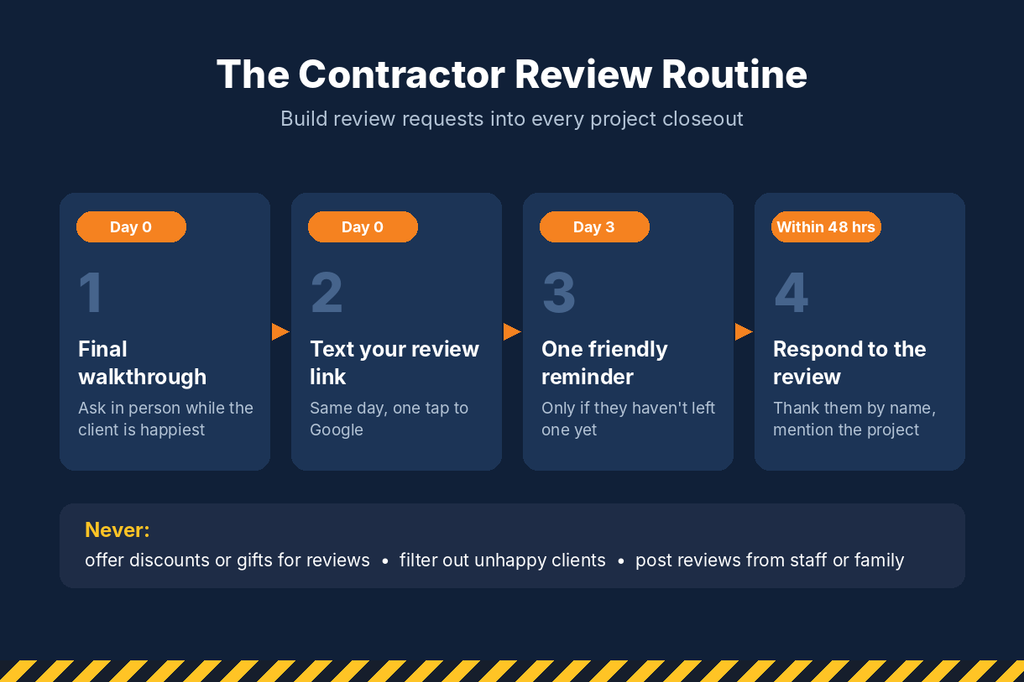
The secret is making review requests a habit, not a campaign. Build them into your project closeout:
- Ask in person at the final walkthrough, when the client is happiest.
- Follow up the same day with a text containing your direct review link (find it in your profile under “Ask for reviews”).
- Send one reminder a few days later if they haven’t left one.
- Make it specific. Ask them to mention the type of project and their town. Detailed reviews help both prospects and Google understand what you do.
A few rules to stay safe. Never offer discounts or gifts in exchange for reviews, and never ask only happy customers through a filtering system. Both violate Google’s policies. Don’t post reviews from employees or family either.
Respond to every review. Thank positive reviewers by name and mention the project. For negative reviews, stay calm, acknowledge the concern, and offer to resolve it offline. Future clients read your responses closely, and a professional reply to a tough review often builds more trust than a dozen five-star ratings.
Step 6: Keep Your Profile Active With Posts and Updates
Google favors profiles that look alive. Posting regularly is one of the easiest ways to show that, and it gives searchers fresh reasons to choose you.
Good post ideas for contractors:
- Project spotlights: a photo of a finished job with a short description and the town.
- Seasonal reminders: gutter cleaning before fall, roof inspections after storm season, deck refinishing in spring.
- Offers: a free inspection or a limited-time discount, with a clear call to action.
- Company news: new services, new certifications or awards.
Once a week is a good target. Each post should include a photo and a button such as “Call now” or “Get quote.”
Keep the basics current as well. Update holiday hours, add new services as you offer them, and check your profile monthly for edits suggested by Google or the public. Anyone can suggest a change to your listing, and occasionally those changes go live without you noticing. A quick monthly check keeps your phone number, hours and categories correct.
Step 7: Pair Your Profile With Paid Visibility
An optimized profile earns free visibility, but it takes time to climb the map pack, especially in competitive markets. Paid options can put you at the top while your organic ranking builds.
Local Services Ads appear above everything else for many home-service searches. You pay per lead rather than per click, and qualifying businesses earn a “Google Guaranteed” or “Google Screened” badge after background and license checks. Your reviews and responsiveness affect how often these ads show.
Search ads with location assets link your Google Business Profile to your ad account, so your address, distance and star rating can appear inside your ads. They can also show in Google Maps results. Both make ads feel more local and trustworthy. A well-structured PPC campaign targets high-intent searches like “roof repair near me” and sends clicks to a dedicated landing page.
The two channels feed each other. Ads reveal which services and towns produce the most calls, and that data shows you which services to feature in your profile and which towns to target organically.
Paid campaigns do need regular care. Search terms, bids and budgets drift, and wasted spend adds up quickly in construction, where clicks can be expensive. If you’d rather focus on running jobs, expert Google Ads management keeps campaigns aimed at qualified leads and a healthy cost per lead.
Step 8: Track Results and Connect Your Profile to the Bigger Picture
Your profile’s Performance section shows how people find and interact with you. Check it monthly and focus on:
| Metric | What it tells you |
|---|---|
| Searches | Which terms trigger your profile, and whether service keywords are growing |
| Calls | Direct phone leads from the listing |
| Website clicks | How many people want to learn more before calling |
| Direction requests | Mostly relevant if clients visit a showroom or yard |
Add a UTM tag to your website link (for example, ?utm_source=google&utm_medium=gbp) so profile traffic shows up separately in Google Analytics. Ask new leads how they found you, too. Together, these tell you how many signed jobs your profile really produces.
Remember that your profile is one piece of a larger system. Prominence, one of Google’s three ranking factors, depends heavily on your website’s authority, the links pointing to it and your consistency across directories. Our guide to SEO for construction companies covers how keyword research, content, technical fixes and backlinks build that authority.
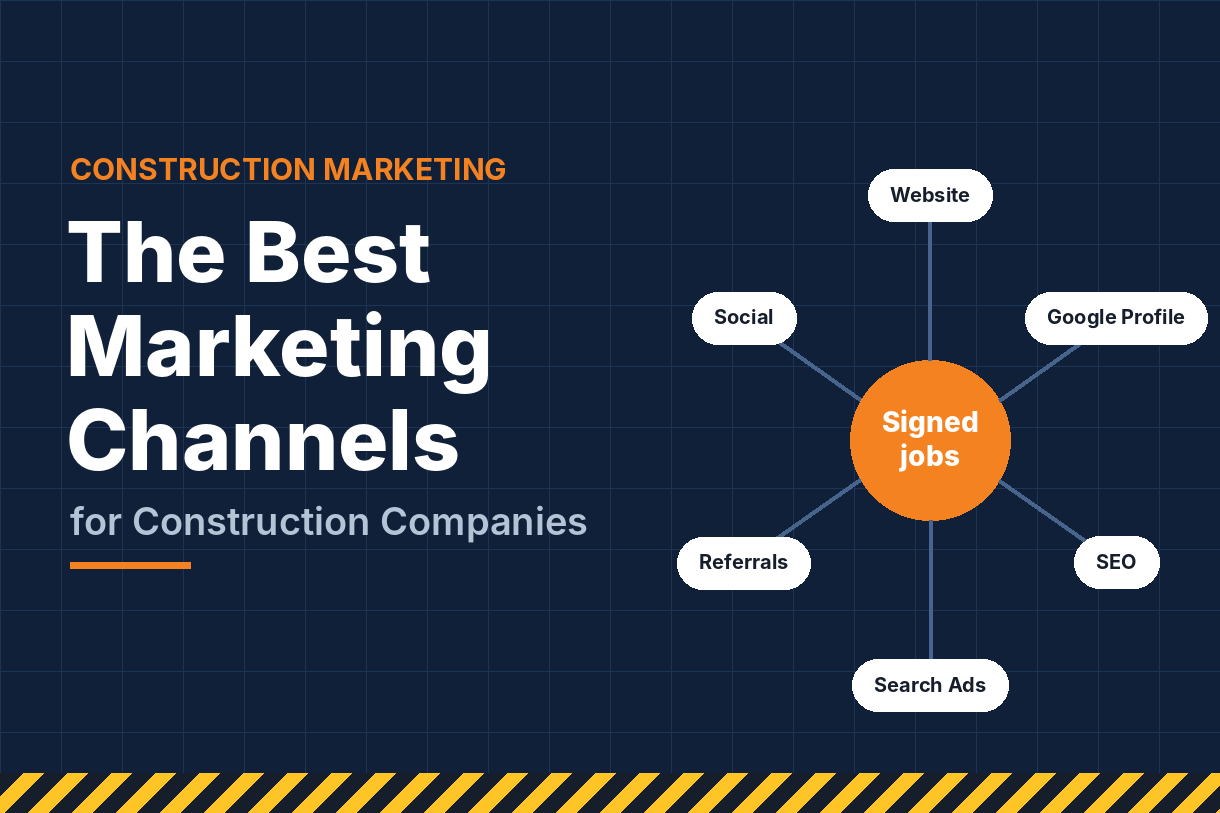
Your profile also sits inside your overall marketing plan, alongside your website, ads, social media and lead follow-up. For the full picture of how those channels work together, see how to generate more construction leads online.
The contractors who hold the top map spots treat local search as ongoing work rather than a one-time setup. If you want predictable monthly progress without managing it yourself, our SEO packages bundle profile management, citations, content and reporting into one plan.
Common Google Business Profile Mistakes Contractors Make
These are the errors we see most often, and each one can quietly cost you calls:
- Keyword-stuffed business names. Easy to spot, easy for competitors to report, and a common cause of suspensions.
- Showing a home address when you don’t serve customers there.
- A vague primary category like “Contractor” when a specific one fits better.
- Inconsistent contact details between the profile, your website and directories.
- Months without new photos, posts or reviews. An inactive profile slowly slides down the map pack.
- Ignoring negative reviews. Silence looks worse than a calm, professional reply.
- Linking to the homepage when a specific service or location page would match the profile better.
To avoid most of these problems, set aside about an hour each month for routine upkeep:
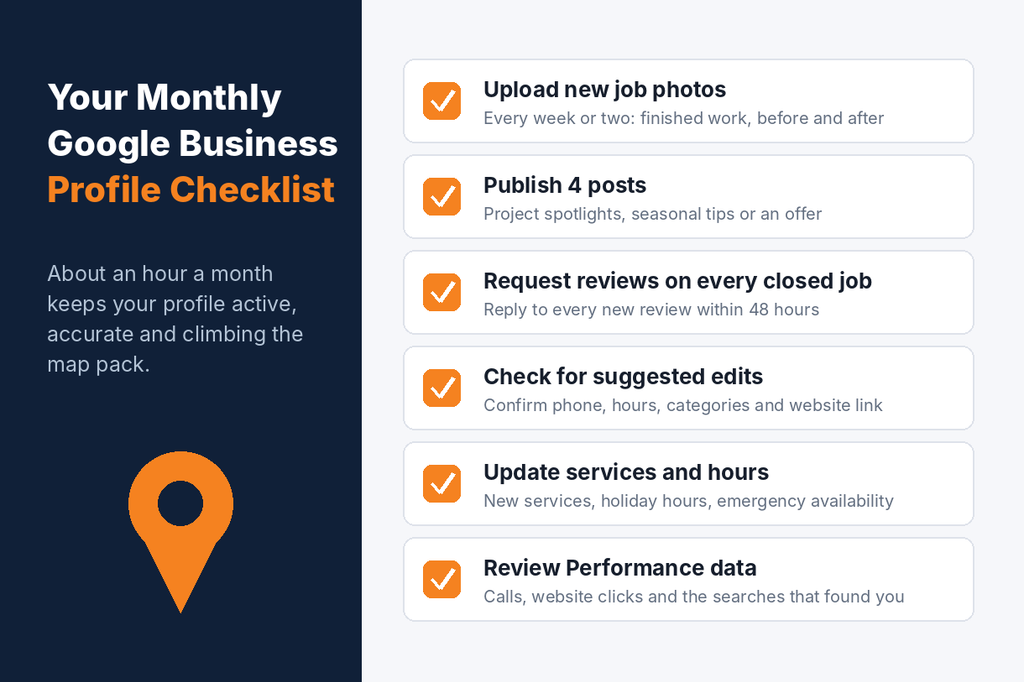
Frequently Asked Questions
Is a Google Business Profile free for contractors? Yes. Creating and managing a profile is free. You only pay if you choose to run Local Services Ads or Google Ads alongside it.
How long does it take to rank in the Google map pack? In less competitive areas, a well-optimized profile can improve within a few weeks. In busy metro markets, it often takes several months of consistent reviews, photos and website work.
Can I rank in cities where I don’t have an office? You can appear there, but distance still matters. Location pages on your website, local links and reviews mentioning those towns all help.
What happened to the Q&A section on Google Business Profiles? Google removed it. Questions are now answered by AI in Google Maps using your profile, reviews and website, so keeping all three detailed and accurate is the best way to shape those answers.
Should I have more than one profile? Only if you have separate, staffed locations. Multiple profiles for one office break Google’s guidelines.
Turn Your Profile Into Your Best Lead Source
Your Google Business Profile is often the first impression a homeowner or property manager has of your company. Set it up correctly, keep it active and earn reviews consistently, and it can become one of your most reliable sources of calls.
Social Market Way helps contractors rank in the map pack and turn local searches into booked jobs. Contact our team today for a review of your profile and a clear plan to win more work in your area.