


Construction Company Website Mistakes That Cost You Customers

Your phone isn’t ringing as much as it should. Your Google profile gets views, your ads get clicks and people tell you they looked you up. But the quote requests don’t match the traffic.
The problem often isn’t your marketing. It’s what happens after someone lands on your website. A hidden phone number, a slow homepage or a gallery full of stock photos can quietly send good prospects straight to a competitor, and you’ll never know they were there.
This guide walks through the 12 most common construction company website mistakes we see. For each one, you’ll learn how to spot it, why it costs you customers and how to fix it, most of them without a full redesign.
How to Tell Your Website Is Losing Customers
Most website problems are invisible from the inside. You know your company is reliable, so your site looks fine to you. Visitors don’t have that context. They judge you in seconds, and they leave quietly.
A few warning signs suggest your website is leaking leads:
- Traffic is steady, but inquiries are low. If Google Analytics shows hundreds of visits a month but you get only a handful of calls or forms, the site isn’t converting.
- High bounce or exit rates on key pages. Visitors land on a service page and leave without clicking anywhere else.
- Most visitors leave from the homepage. That usually means the first impression isn’t working.
- Prospects say they “couldn’t find” something, like your phone number, service area or past projects.
- Mobile visitors convert far worse than desktop visitors, which points to a mobile experience problem.
- Ads get clicks but few leads, which often means the landing page, not the ad, is the issue.
To see the problem the way buyers do, try this: open your website on your phone, on cellular data, and pretend you’re a homeowner who’s never heard of you. Can you tell what you do and where within five seconds? Can you call with one tap? Would you trust this company with $80,000 of your money?
If any answer is uncertain, one of the mistakes below is probably costing you work.
First-Impression Mistakes
Mistake 1: A Vague Headline That Says Nothing
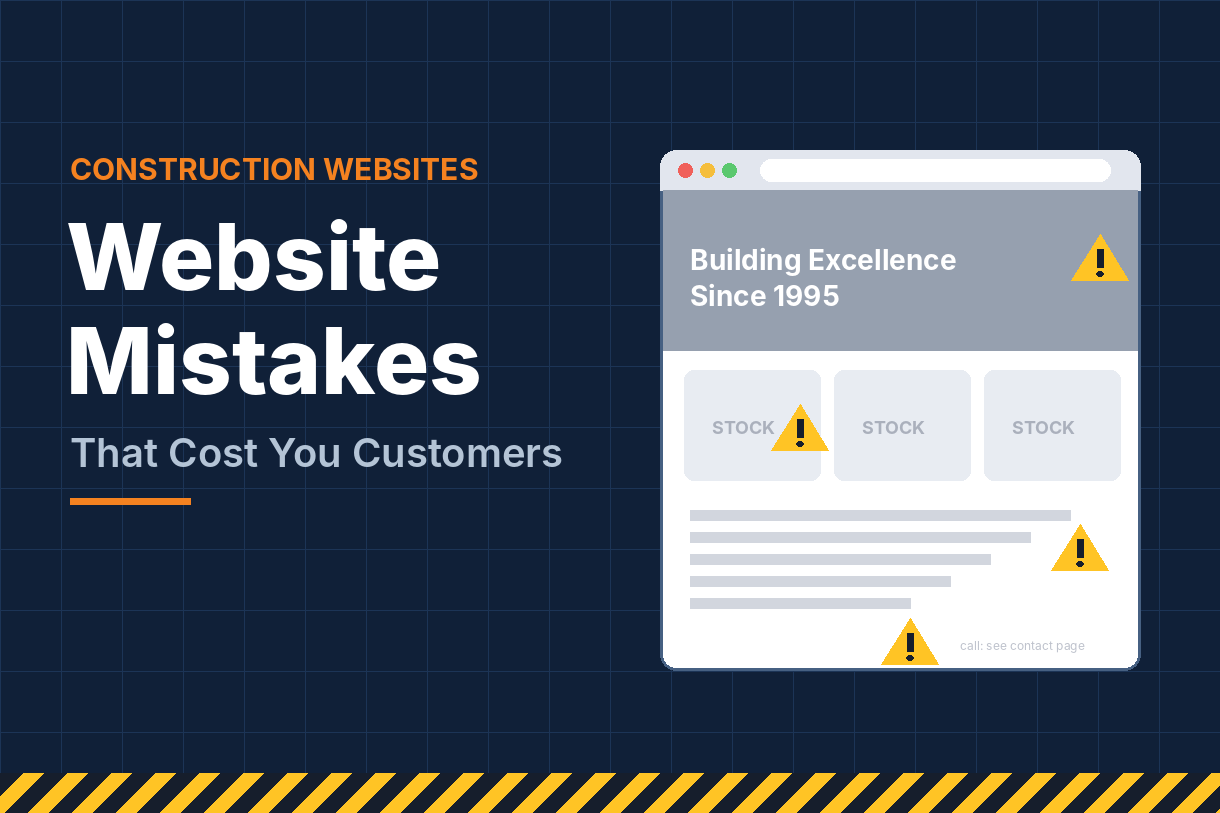
“Building Excellence Since 1995.” “Your Vision, Our Craft.” “Quality You Can Trust.” These headlines sound nice, but they don’t answer the visitor’s first question: do you do what I need, where I live?
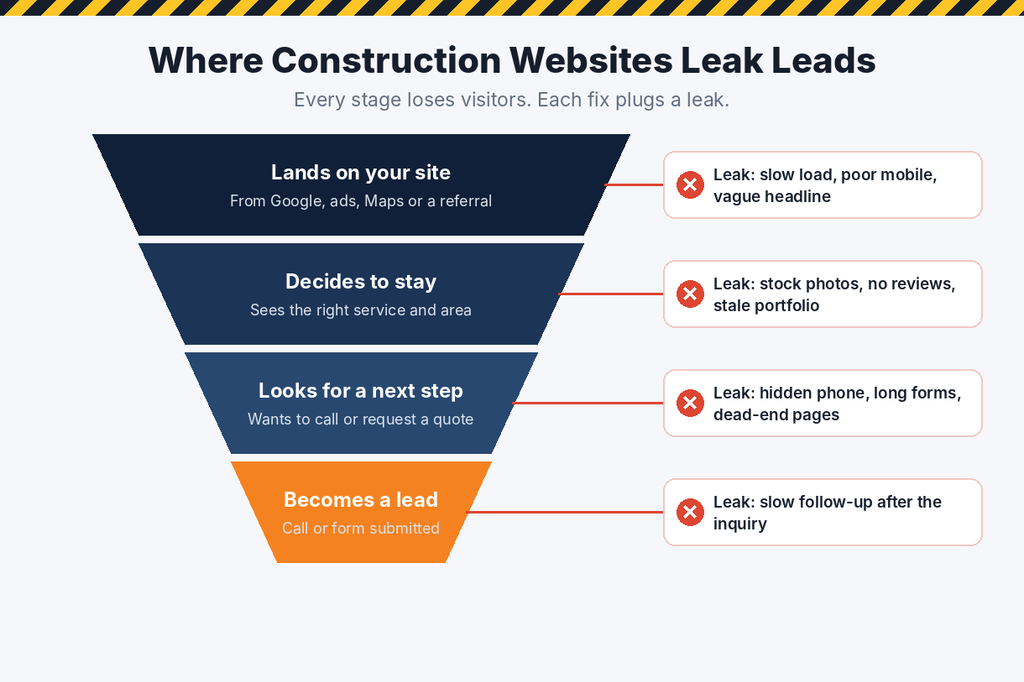
Why it costs you: visitors decide in a few seconds whether they’re in the right place. If they have to scroll or click to figure out what you build, many won’t.
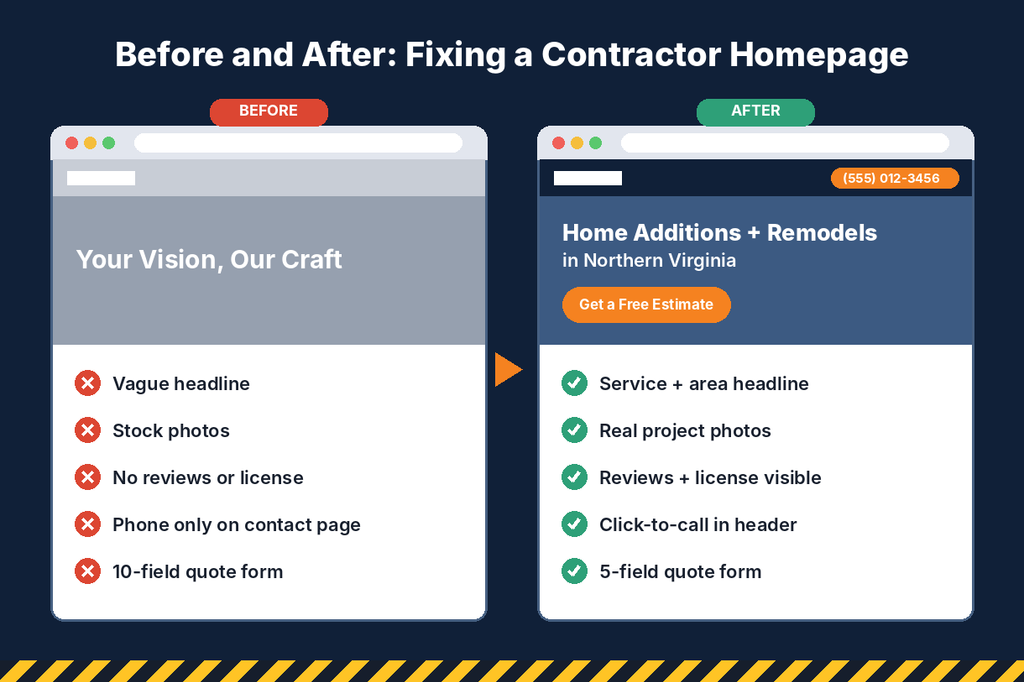
The fix: name the service and the area. “Custom Home Additions and Remodels in Northern Virginia” or “Commercial Build-Outs and Tenant Improvements in Phoenix.” Add one supporting line with your biggest differentiator, such as a warranty or fixed-price quotes.
Mistake 2: A Slow-Loading Website
Contractor sites are full of large project photos, and many are uploaded straight from a camera at full size. Add a heavy theme, a dozen plugins and an autoplaying video, and the homepage can take many seconds to appear on a phone.
Why it costs you: people searching for a contractor have other options one tap away. Slow pages lose visitors before they see anything, and Google’s Core Web Vitals factor page experience into how it evaluates your site.
The fix: run your site through Google’s free PageSpeed Insights tool. Resize and compress images, convert them to WebP, remove unused plugins, drop background video on mobile and upgrade cheap hosting. Aim for main content loading in under about 2.5 seconds.
Mistake 3: A Site That’s Hard to Use on a Phone
A layout that looks great on a desktop can fall apart on mobile: tiny text, buttons too close together, galleries that scroll sideways and forms that are painful to fill in.
Why it costs you: a large share of construction searches happen on phones, often in urgent moments. Google also primarily uses the mobile version of your site to understand and rank it.
The fix: test every key page on your own phone. Add a sticky tap-to-call button, use readable font sizes, give buttons room for thumbs and simplify forms. Our guide to construction website design covers the mobile and layout essentials in more detail.
Trust Mistakes
Mistake 4: Stock Photos Instead of Your Real Work
Generic images of smiling workers in spotless hard hats, or a kitchen that clearly came from a photo library, are everywhere on contractor websites.
Why it costs you: buyers hiring a contractor want proof that you can do the job. Stock photos say the opposite: either you don’t have work worth showing, or you’re hiding it. Many visitors recognize stock images instantly.
The fix: replace every stock image you can with photos from your own projects, crews and trucks. Before-and-after pairs are the most persuasive. A modern phone, good daylight and a cleaned-up space are enough to get started.
Mistake 5: Hiding Licenses, Insurance and Reviews
Many contractor sites mention “licensed and insured” once, in small print, with no license number, no reviews on the page and no information about the team.
Why it costs you: construction buyers are nervous. They’ve heard stories about unfinished jobs and surprise costs. If they can’t quickly confirm you’re legitimate, they move on to someone who makes it obvious.
The fix: show trust signals everywhere. Put license numbers and insurance in the footer, embed recent Google reviews on the homepage and service pages, display warranties and certifications, and add real team photos to your About page.
Mistake 6: An Outdated Portfolio
A gallery whose newest project is from three years ago, a blog with its last post in 2021, or a copyright year that hasn’t changed since launch.
Why it costs you: stale content makes buyers wonder whether you’re busy, struggling or out of business. It also signals to Google that the site isn’t actively maintained.
The fix: add new projects every month, even just a few photos with a short description and the town. Update the copyright year and remove dated promotions.
Conversion Mistakes
Mistake 7: Making People Hunt for Your Phone Number
The phone number lives only on the Contact page or in tiny text in the footer. There’s no estimate button in the header, and pages end with no clear next step.
Why it costs you: someone ready to call won’t go searching. Every extra click or scroll between interest and contact loses a share of potential leads, especially on mobile.
The fix: put a clickable phone number and a “Get a Free Estimate” button in the header of every page. Repeat the call to action in the middle and at the bottom of long pages, and make sure no page is a dead end.
Mistake 8: Long, Complicated Quote Forms
Some contractor forms ask for a full address, budget, timeline, project dimensions, how they heard about you and a detailed description before anyone can hit Submit.
Why it costs you: every extra field gives people a reason to abandon the form. A long form feels like work, and on a phone it can feel impossible.
The fix: ask only for what you need to follow up: name, phone, email, project type, town and a short description. Collect the rest on the first call. Add a thank-you message that says exactly when you’ll be in touch.
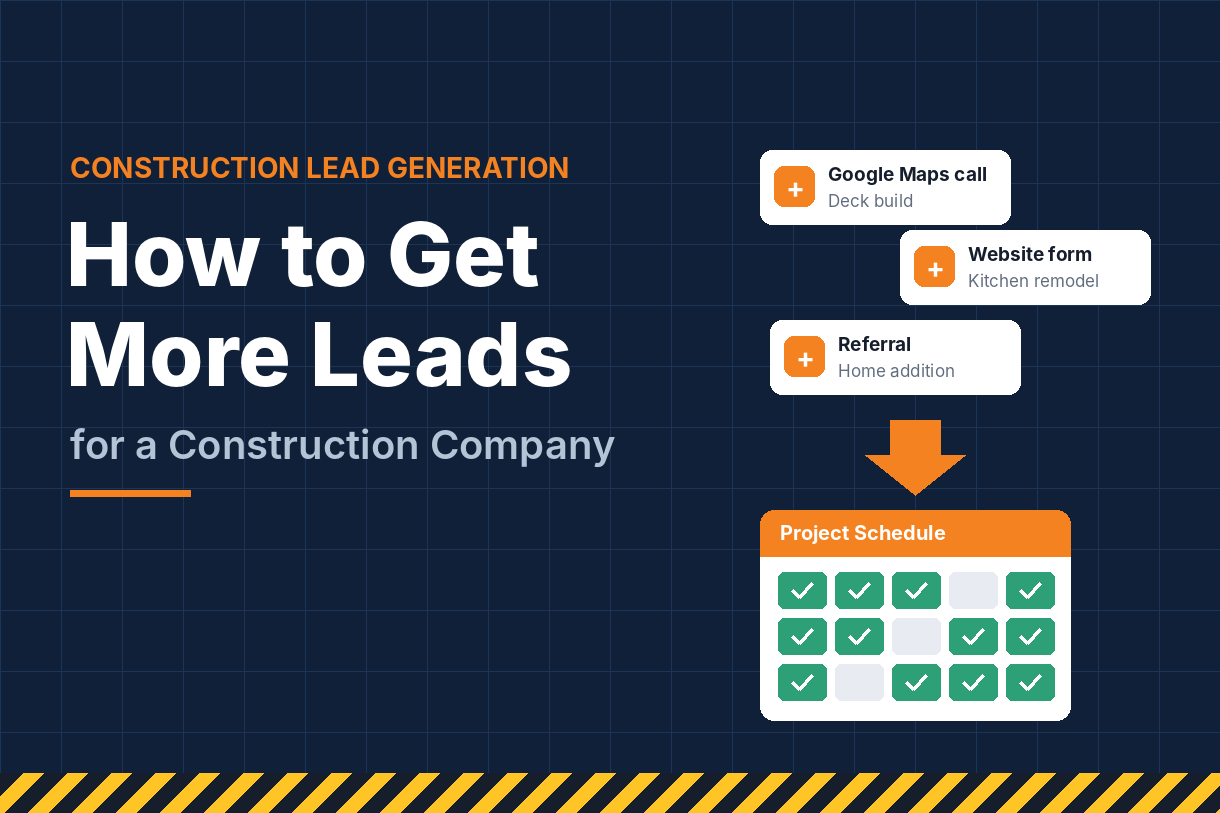
A related mistake happens after the form is submitted: slow follow-up. Even a perfect website can’t save a lead that waits two days for a callback while a competitor responds in an hour. Our guide on how to get more leads for a construction company covers response times, qualifying questions and follow-up systems that close more of the leads your website brings in.
Search Visibility Mistakes
Mistake 9: One Page for All Your Services
A single “Services” page lists remodeling, additions, roofing, decks and commercial work in a few paragraphs, with no dedicated page for any of them.
Why it costs you: someone searching “basement finishing contractor” is looking for a page about basement finishing. Google wants to show them one. When all your services share a page, you rarely rank well for any of them, and visitors don’t find the detail they need to trust you.
The fix: give every core service its own page with a clear H1, a description of what’s included, photos of that specific work, answers to common questions and relevant reviews. Each page also needs a unique title tag, meta description and descriptive headings. Getting these details right across the site is the core of on-page SEO.
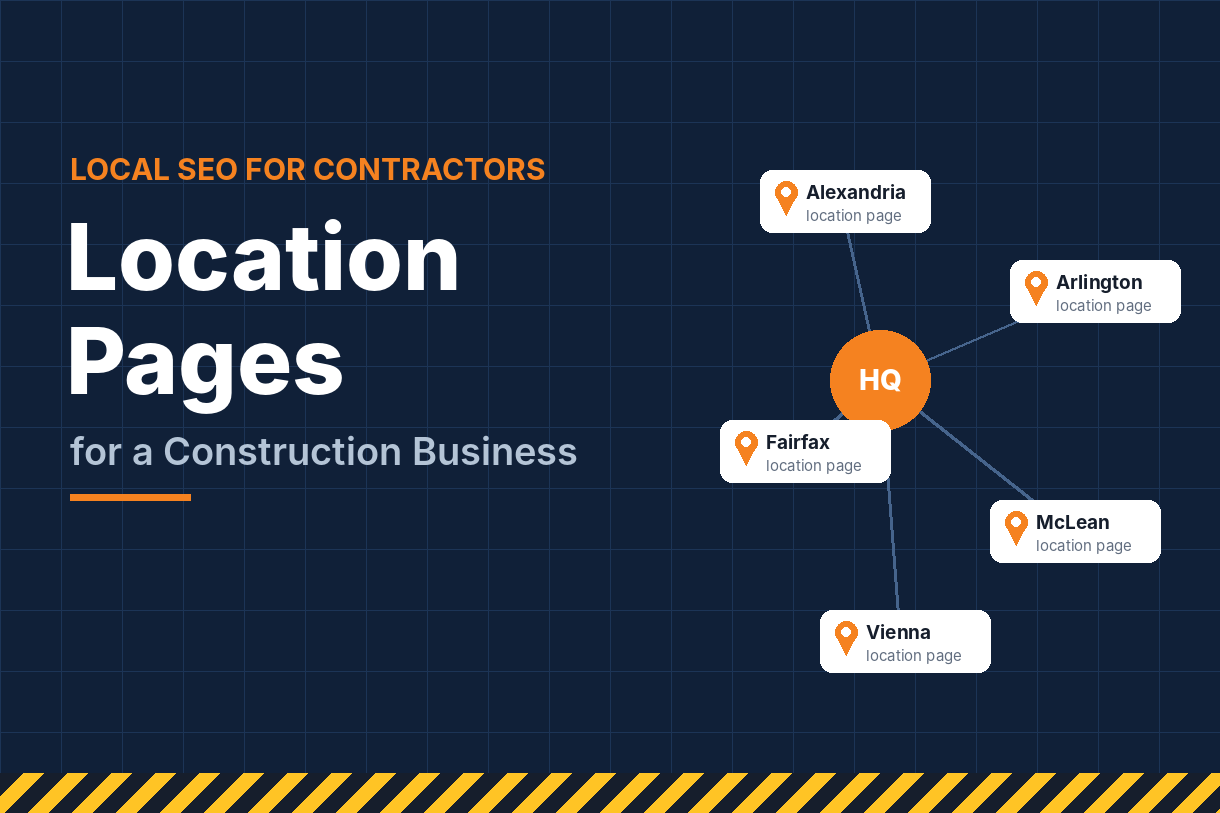
Mistake 10: Thin or Missing Location Pages
Some contractors have no pages for the towns they serve. Others create a dozen “city pages” with identical text and only the town name swapped.
Why it costs you: without location pages, it’s hard to rank in towns beyond your office. Copy-paste city pages rarely rank either, and they can make the whole site look low quality.
The fix: build one solid page for each priority town, with projects completed there, reviews from local clients, the neighborhoods you cover and relevant permitting notes. A focused local SEO strategy helps you choose the right towns and supports each page with local links and listings.
These two mistakes are just the start of what holds contractor websites back in search. Our full guide to SEO for construction companies covers keyword research, technical fixes and link building.
If you also run residential trades like roofing or HVAC, our guide to SEO for home services covers how service businesses rank in highly competitive local markets.
Connection Mistakes
Mistake 11: A Website Disconnected From Your Google Profile
The phone number on the website differs from the one on Google. The business name is spelled slightly differently. The profile links to a homepage that never mentions the service area. Each one seems small.
Why it costs you: Google cross-checks your website against your Business Profile and directory listings. Mismatches weaken trust in both and can hold back your map pack rankings. Buyers notice too, especially when two phone numbers appear.
The fix: make your name, address and phone number match exactly everywhere. Link your profile to a page that matches your primary category and location, and embed a map or service-area details on the site. Our Google Business Profile guide for contractors covers how to align the two.
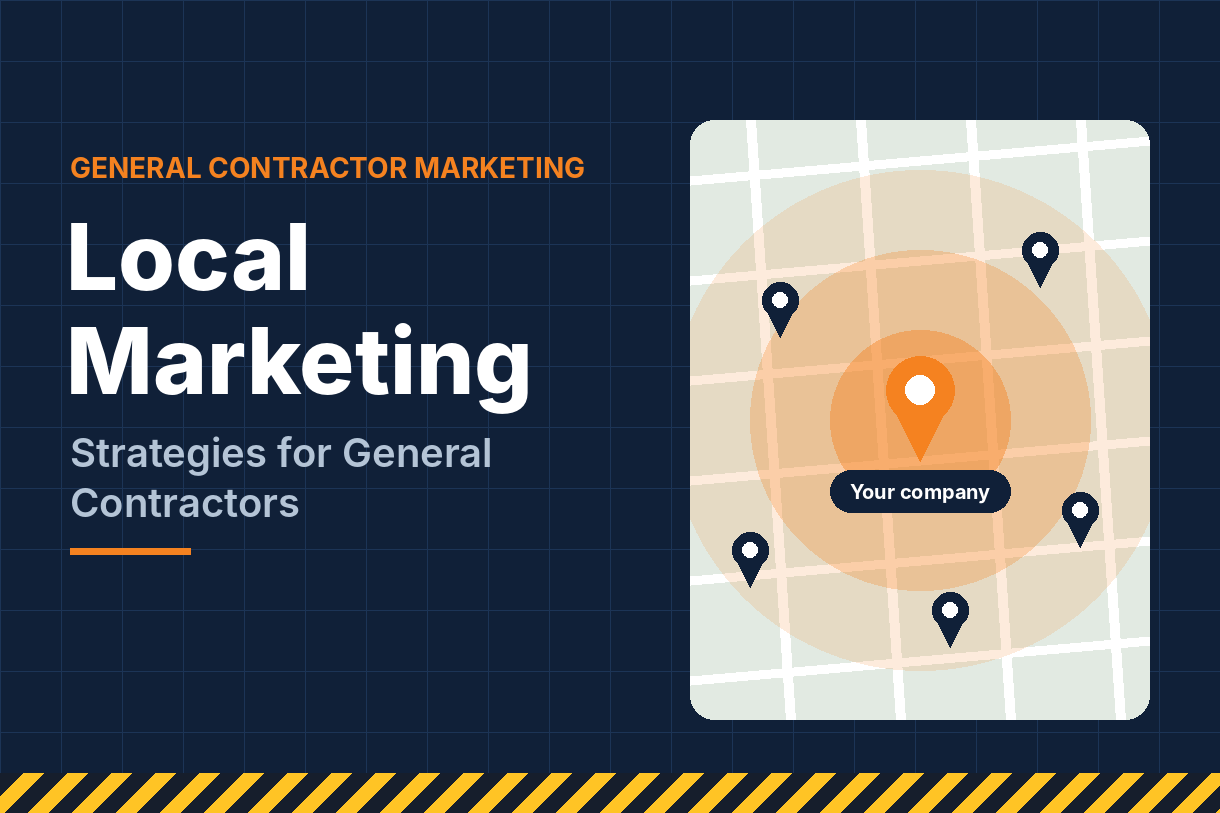
The same principle applies to your offline marketing. Jobsite signs, truck wraps and neighbor letters should point to pages that match what people saw, such as the specific service or town. Our guide to local marketing strategies for general contractors shows how to connect them.
Mistake 12: Sending Paid Traffic to Your Homepage
You’re paying for clicks on “kitchen remodel contractor,” but the ad sends people to a homepage that talks about everything you do.
Why it costs you: the visitor searched for one thing and landed on a general page. They have to hunt for what they wanted, and many leave. You’ve paid for the click either way.
The fix: send each ad group to a dedicated landing page that matches the search: one service, one offer, one short form and a visible phone number. A well-structured PPC campaign pairs keywords, ads and landing pages so every click lands in the right place.
Matching landing pages to ads is an ongoing job, not a one-time setup, because search terms, offers and seasons change. Professional Google Ads management keeps those pages and campaigns aligned and tracks which ones produce leads.
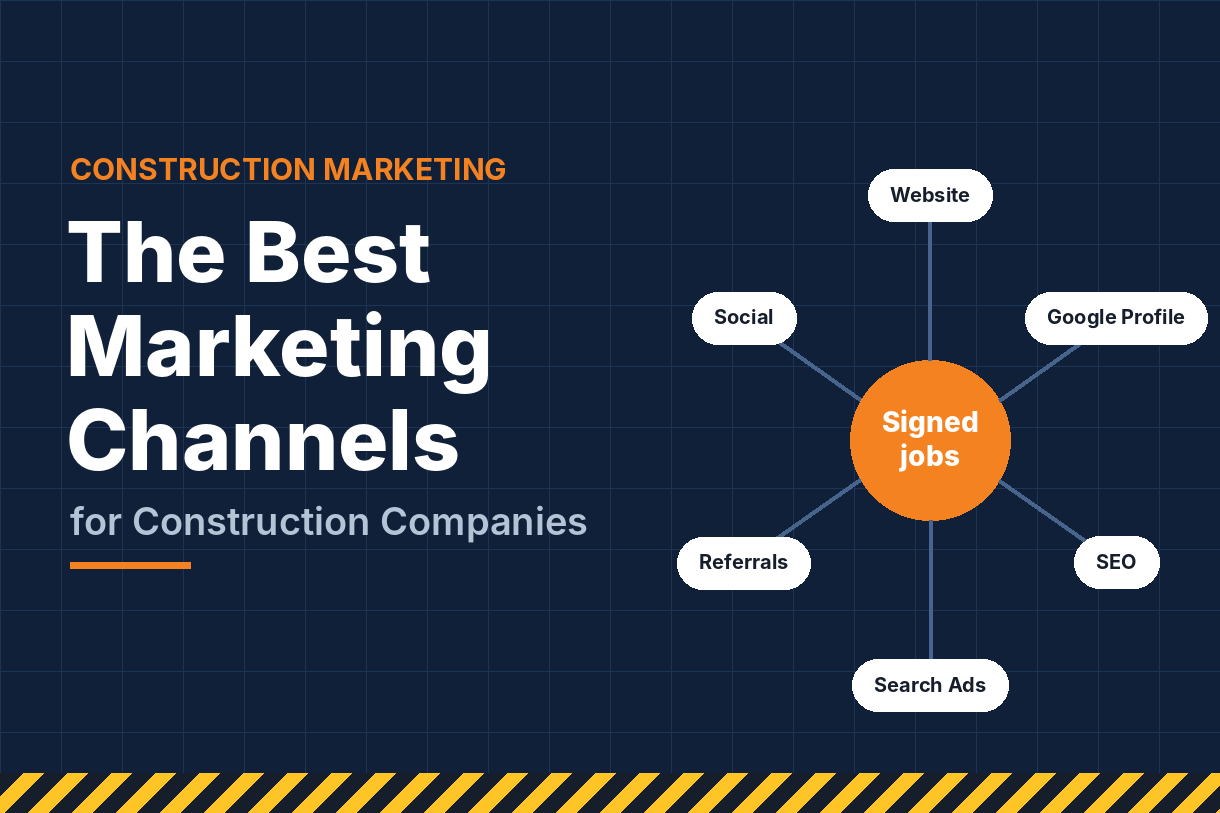
Your website should support every marketing channel you use, from paid search and Google Maps to referrals and social media. For a breakdown of which channels pair best with your site, see the best marketing channels for construction companies.
Keeping Your Website From Slipping Back
Fixing these mistakes once is a big improvement. Keeping them fixed takes a little ongoing attention, because websites drift. Plugins update and slow pages down, new photos get uploaded at full size, phone numbers change, and services get added without new pages.
Two habits prevent most backsliding:
- A monthly 15-minute check. Load the homepage and two service pages on your phone, submit a test form, tap the phone number, and add your latest project photos.
- A quarterly review. Check analytics for pages with high exit rates, run PageSpeed Insights, confirm your Google profile still matches the site, and plan one new service or location page.
Be especially careful during a redesign. A new site that changes URLs without 301 redirects, or drops pages that already rank, can erase years of search visibility overnight. Before any redesign, list your top pages by traffic and make sure each one is kept or redirected.
Your website is also just one part of how you win work. For the full system of search, ads, reviews, social media and follow-up working together, see our guide to construction company marketing.
If you’d rather have the ongoing upkeep handled for you, our SEO packages cover technical health, on-page improvements, new content and monthly reporting in one predictable plan.
What to Fix First
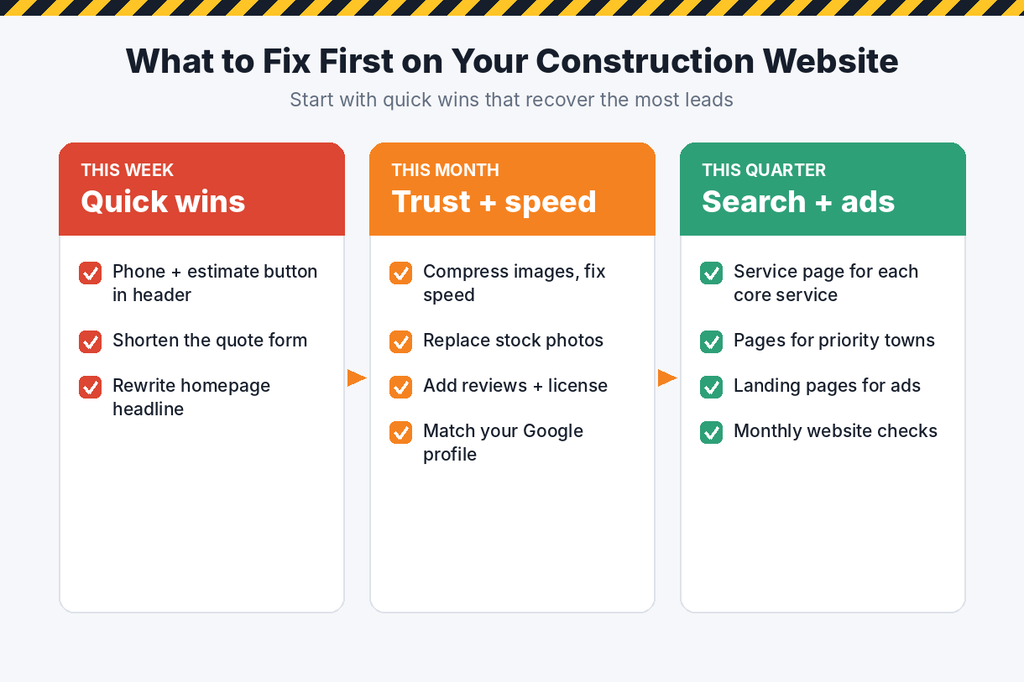
You don’t have to fix all 12 at once. Start with the changes that take the least effort and recover the most leads:
- This week: add a clickable phone number and estimate button to the header, shorten your quote form, and rewrite the homepage headline to name your service and area.
- This month: compress images and fix speed issues, replace stock photos with real project photos, add reviews and license details, and make sure your website matches your Google profile.
- This quarter: build dedicated pages for each core service and priority town, create landing pages for your ad campaigns, and set up monthly and quarterly website checks.
Frequently Asked Questions
What is the most common construction website mistake? Hiding the phone number and estimate button. It’s easy to fix and often produces the fastest increase in calls.
Do I need a new website to fix these problems? Usually not. Most of these mistakes can be fixed on your existing site. A full redesign makes sense only when the site is very outdated, can’t be updated easily or performs poorly no matter what you change.
How do I know if my website is losing leads? Compare traffic to inquiries in your analytics, watch for high exit rates on key pages and compare mobile versus desktop conversions. Testing the site yourself on a phone reveals a lot too.
How fast should a construction website load? Aim for the main content to appear in about 2.5 seconds or less on mobile. Large, uncompressed project photos are the most common cause of slow contractor sites.
Can website mistakes hurt my Google rankings? Yes. Slow speed, poor mobile usability, missing service pages, thin location pages and inconsistent business details can all hold back both organic and map pack rankings.
Stop Losing Customers to Fixable Mistakes
Every visitor who leaves your site without calling is a lead you already paid to attract, through ads, SEO, referrals or your Google profile. Fixing these mistakes means more of that traffic turns into signed work.
Social Market Way helps construction companies find and fix the website problems that cost them customers, from speed and mobile issues to service pages, local SEO and ad landing pages. Contact our team today for a website review and a prioritized list of fixes that will bring in more calls.