


How to Create Location Pages for a Construction Business

Your office is in one town, but your crews work in a dozen. When a homeowner 25 minutes away searches “general contractor in [their town],” your company should show up. Too often it doesn’t, and a competitor based in that town gets the call.
Location pages fix that. A well-built page for each town you serve tells Google and buyers that you genuinely work there, with real projects, local knowledge and reviews from neighbors.
Built badly, they do the opposite. Dozens of near-identical “city pages” can look like spam and drag down your whole site. This guide walks through how to create location pages for a construction business the right way, step by step, so each page earns its place in search and turns local visitors into leads.
What Location Pages Are and Why They Matter
A location page is a page on your website dedicated to one town, city or area you serve. Its job is to show buyers in that place, and Google, that your company works there regularly and does it well.
They matter for construction companies for two reasons:
- Your Google Business Profile is tied to one address. Map pack rankings lean heavily on distance from that location. Location pages give your website a way to compete in organic results for towns farther away.
- Buyers want a local builder. Someone in a specific town trusts a contractor who knows local permits, home styles and neighborhoods, and who has completed projects nearby.
There’s an important trap to avoid. Google’s spam policies specifically warn against “doorway pages”: many similar pages created mainly to rank for slightly different place names, each funneling visitors to the same destination without offering anything unique. A batch of identical city pages with only the town name swapped fits that description.
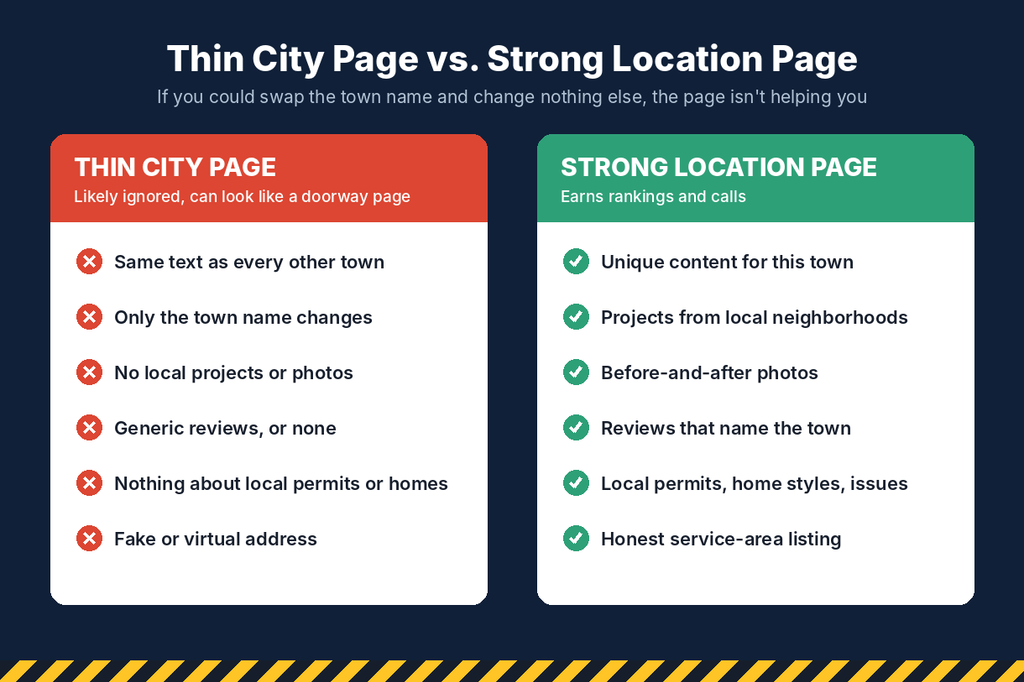
The difference between a doorway page and a valuable location page is substance. If a page contains real local projects, reviews, knowledge and details that would genuinely help someone in that town, it’s useful. If you could swap the town name and nothing else would need to change, it isn’t.
The rest of this guide shows how to build the useful kind, organized in a structure that supports both your service pages and your local visibility.
Step 1: Choose the Right Towns
The biggest mistake contractors make is creating a page for every town within 50 miles. Start small and focused instead. Five strong location pages will outperform 40 thin ones.
Prioritize towns using a few simple filters:
- Where you already work. Look at your last two years of projects. Which towns produced the most jobs, the largest contracts and the best margins?
- Where you want to grow. Towns with the right home values, commercial activity or new development for your services.
- Where you can deliver. Travel time affects crew productivity and profit. Stay within a radius that makes sense for your project size.
- Where people are searching. Check the search terms in your Google Business Profile’s Performance section and in Google Search Console to see which towns already appear in searches that find you.
Your Google Business Profile matters here too. The towns you list as service areas should line up with your location pages, so both send the same message about where you work. Our Google Business Profile guide for contractors covers how to set service areas correctly.
If you run search ads, your campaign data is one of the best inputs available. Ads show which towns generate calls and which generate clicks that never convert. A well-tracked PPC campaign can tell you within weeks where demand for your services is strongest.
Write down your first three to five priority towns. You can always add more once those pages are performing.
Step 2: Plan Your URL Structure and a Service-Area Hub
Before writing anything, decide how location pages will fit into your site. A clean structure helps Google understand your pages and helps visitors navigate.
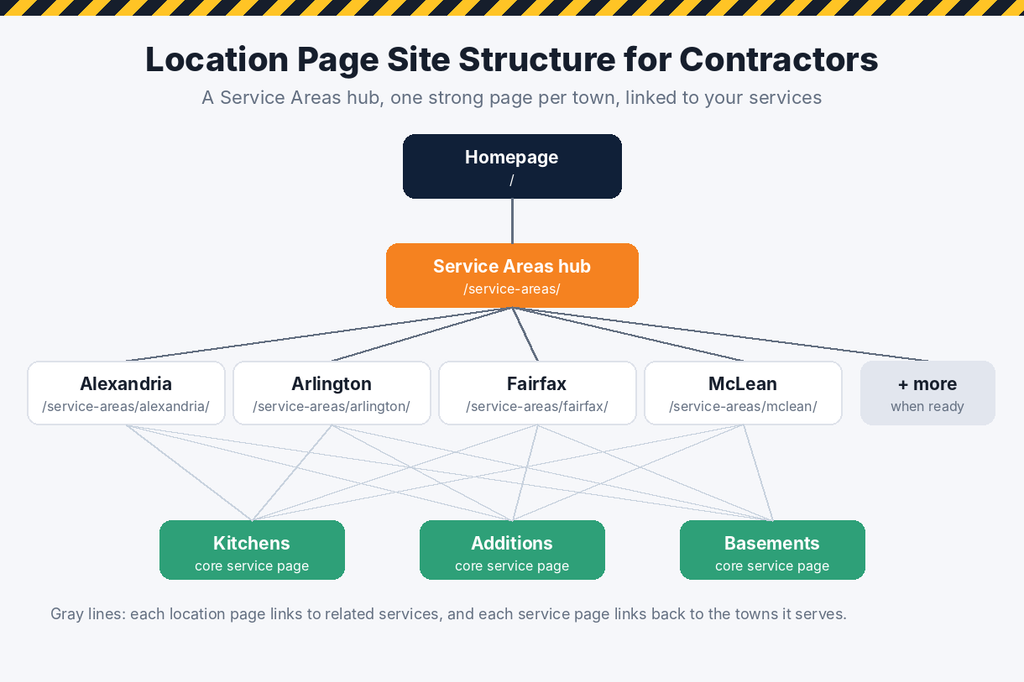
Most construction companies do well with a simple hub-and-spoke setup:
- A Service Areas hub page (for example, /service-areas/) that lists every town you serve, with a short paragraph and a link to each location page.
- One page per priority town beneath it, such as /service-areas/alexandria-va/.
- Links from each location page to your core service pages, and from service pages back to relevant towns.
Keep URLs short, lowercase and readable. Avoid stuffing keywords into them; “/service-areas/alexandria-va/” is clearer than “/best-general-contractor-remodeling-alexandria-virginia/.”
What about service-plus-town pages, like “Kitchen Remodeling in Alexandria”? They can work well, but only once you have enough real projects and content to make each one genuinely different. Start with one strong page per town, then add service-specific versions in your highest-value markets.
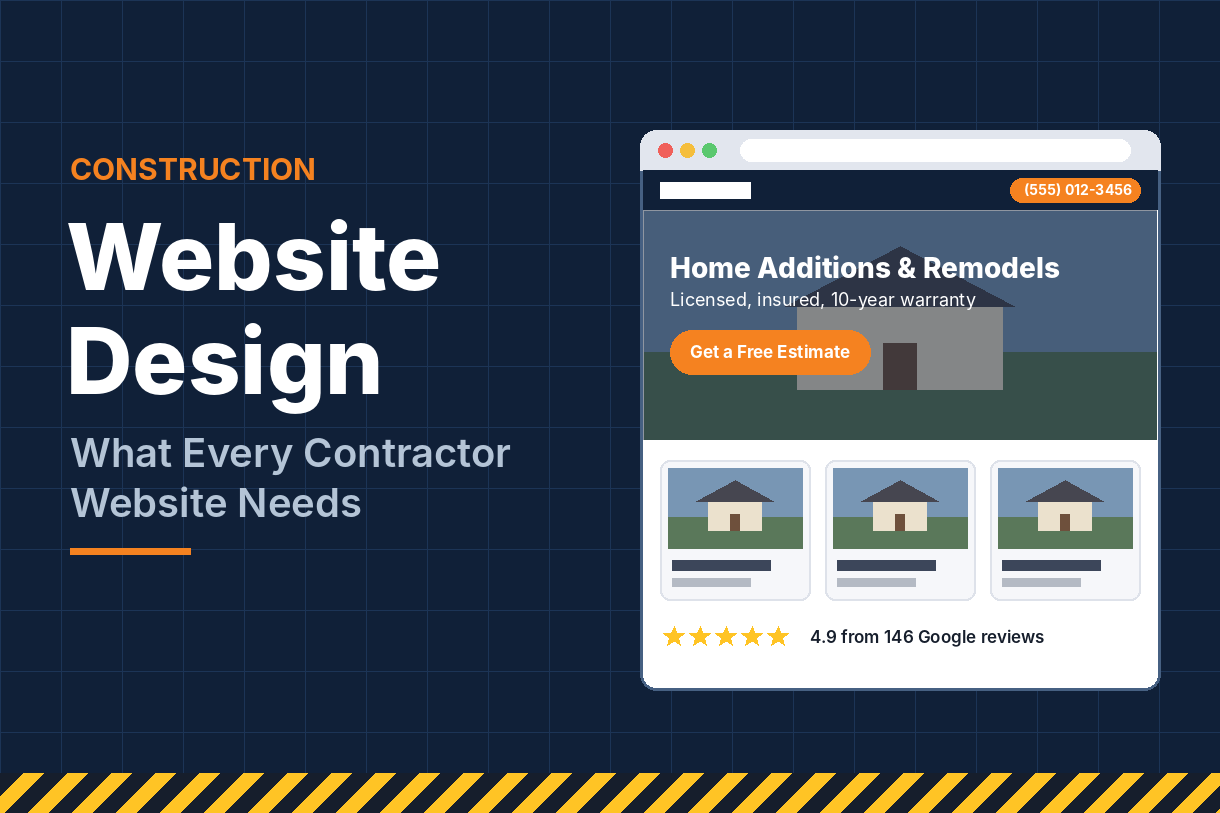
Finally, make sure your location pages sit within a site that converts. A great location page loses value if the rest of the site is slow, hides the phone number or relies on stock photos. Our guide on construction website design covers the foundation every page depends on.
Step 3: Research Each Town Before You Write
The content that makes a location page valuable comes from what you know about building in that specific place. Spend 30 minutes gathering it before you write a word.
For each town, collect:
- Your projects there: addresses (kept private), project types, dates, budgets in rough ranges, and before-and-after photos.
- Client reviews that mention the town or a neighborhood in it.
- Neighborhoods and nearby areas you work in, such as subdivisions, historic districts or business parks.
- Local building conditions: common home styles and ages, typical lot sizes, soil or drainage issues, and weather factors like snow loads or hurricane codes.
- Permitting and inspection notes: which office handles permits, typical approval timelines, and any historic or HOA review that affects projects.
- Local partners: suppliers, architects or showrooms you work with in that area.
Your crew and project managers are the best source here. Ask them what’s different about building in each town, what problems they run into and what clients there usually want. Those answers become the most valuable, hard-to-copy content on the page.
This research is also what separates your page from competitors’ templated city pages. Nobody else can write “Many 1950s ranch homes in this neighborhood need foundation reinforcement before an addition” unless they actually build there.
Step 4: Write the Page
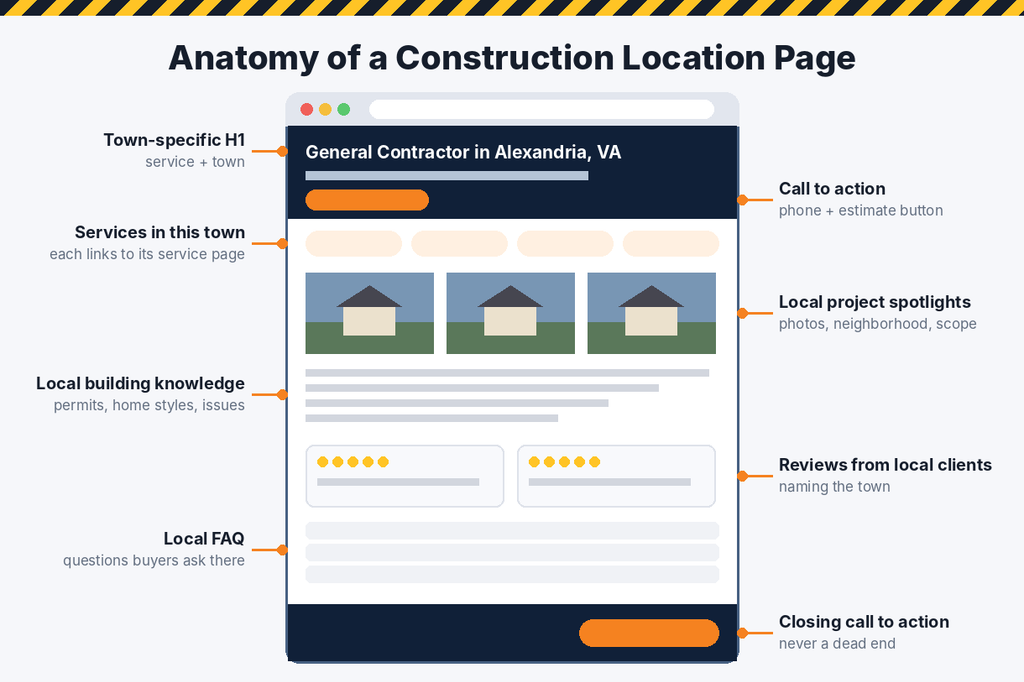
With your research in hand, build each page around a consistent structure, but fill it with content that’s unique to that town. A strong construction location page usually includes these sections, in roughly this order:
- A specific H1 and opening. “General Contractor in Alexandria, VA” followed by two or three sentences on what you build there and how long you’ve worked in the area.
- A call to action near the top: phone number and “Get a Free Estimate” button.
- Services you offer in this town, each linking to its main service page.
- Featured local projects: two to four projects with photos, the neighborhood, the scope and a short description.
- Local building knowledge: permitting, home styles, common issues and how you handle them.
- Reviews from local clients, ideally naming the town or neighborhood.
- Neighborhoods and nearby areas you cover.
- A short FAQ with questions buyers in that town actually ask.
- A closing call to action with your phone number and form.
Write in a natural, conversational voice. Mention the town where it fits, but don’t force it into every sentence. Aim for depth over length. A focused 700 to 1,200 words of genuinely local content is usually more useful than 2,000 words of padding.
The page also needs solid on-page fundamentals: a unique title tag, a clear meta description, descriptive headings, compressed images with descriptive alt text and sensible internal links. Getting these details right across many pages is exactly what on-page SEO services handle.
Step 5: Get the On-Page and Technical Details Right
A few technical details make the difference between a location page Google understands and one it overlooks:
| Element | What to do |
|---|---|
| Title tag | Service + town + brand, under about 60 characters: “General Contractor in Alexandria, VA | Smith Builders” |
| Meta description | One sentence on what you build there plus a reason to click, around 150 characters |
| H1 | Matches the page’s focus, such as “General Contractor in Alexandria, VA” |
| Images | Compressed, with descriptive file names and alt text that names the project and town |
| Internal links | From the Service Areas hub, from related service pages and from blog posts about projects in that town |
| Business details | Name and phone number that match your Google Business Profile exactly |
| Structured data | LocalBusiness (or a more specific type) schema with your service areas listed |
A note on addresses: if you don’t have an office in a town, don’t invent one or use a virtual office. List the town as an area you serve, not a location you occupy. Fake addresses can create problems with Google and undermine trust if buyers notice.
Location pages are one part of a bigger search strategy. Keyword research, technical health and backlinks all affect how well they rank, and we cover each in our guide to SEO for construction companies.
If you also run residential trades like roofing, plumbing or HVAC, service-area pages work much the same way, though competition is often stiffer. Our guide to SEO for home services covers that side.
Step 6: Add Local Proof That Can’t Be Faked
Local proof is what turns a location page from a claim into evidence. It’s also what makes each page genuinely different from the others.
The strongest forms of local proof for contractors:
- Project spotlights with photos. “Two-story addition in Del Ray, completed in 14 weeks” with before, during and after photos.
- Named neighborhood reviews. A client quote that mentions their street, subdivision or town carries far more weight than a generic testimonial.
- Short case studies for your best local projects: the challenge, how you solved it and the result.
- Video walkthroughs of finished local projects, embedded on the page.
- Local involvement: sponsorships, community builds or partnerships with local suppliers and designers.
Keep adding to each page as you complete new projects. A location page that grows with fresh local work every few months stays relevant and keeps signaling that you’re active in that town.
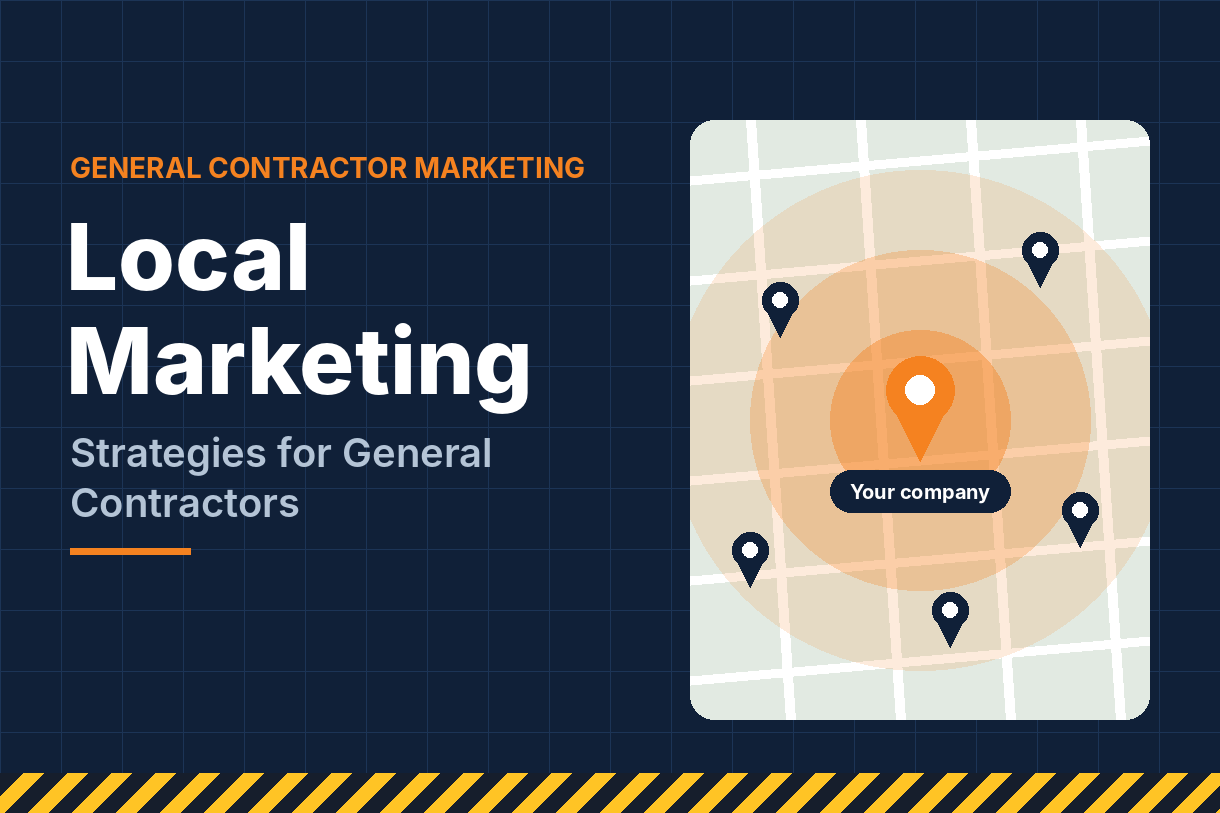
Your offline marketing can feed these pages too. Jobsite signs with a QR code can link to the page for that town, and letters to neighbors near active projects can point to it as well. Our guide to local marketing strategies for general contractors shows how to connect jobsite marketing, partnerships and community involvement to your local presence online.
Step 7: Build Local Authority and Support Pages While They Grow
Publishing a great location page is the start, not the finish. To rank in competitive towns, the page needs signals from outside your website that you’re genuinely part of that community.
Ways to build local authority for each town:
- Local links: sponsorships of town sports teams or events, local business associations, chamber of commerce memberships and supplier partner pages.
- Local press: a notable restoration, a charity build or a new local hire can earn coverage and a link from local news sites.
- Local citations: consistent listings in town or county business directories.
- Reviews that mention the town: these help both the location page and your Google profile.
This work compounds when it’s planned across all your priority towns at once. A structured local SEO strategy coordinates location pages, citations, local links and reviews so each market strengthens the others.
New location pages take time to rank, often several months in competitive areas. In the meantime, you can still win work in those towns with geo-targeted search ads sending visitors directly to the matching location page. That gives you leads right away and real data on which towns respond best. Professional Google Ads management keeps that geo-targeting tight and your cost per lead under control.
Location Page Mistakes to Avoid
- Copy-paste pages. Swapping only the town name is the fastest way to create doorway pages that don’t rank.
- Too many pages too soon. Forty thin pages dilute your site. Five strong ones build authority.
- Fake addresses. Don’t list offices you don’t have.
- No projects or reviews. A location page with no local proof is just a claim.
- Orphan pages. Pages that nothing links to are hard for Google and visitors to find.
- Keyword stuffing. Repeating “[town] general contractor” in every sentence reads badly and helps nothing.
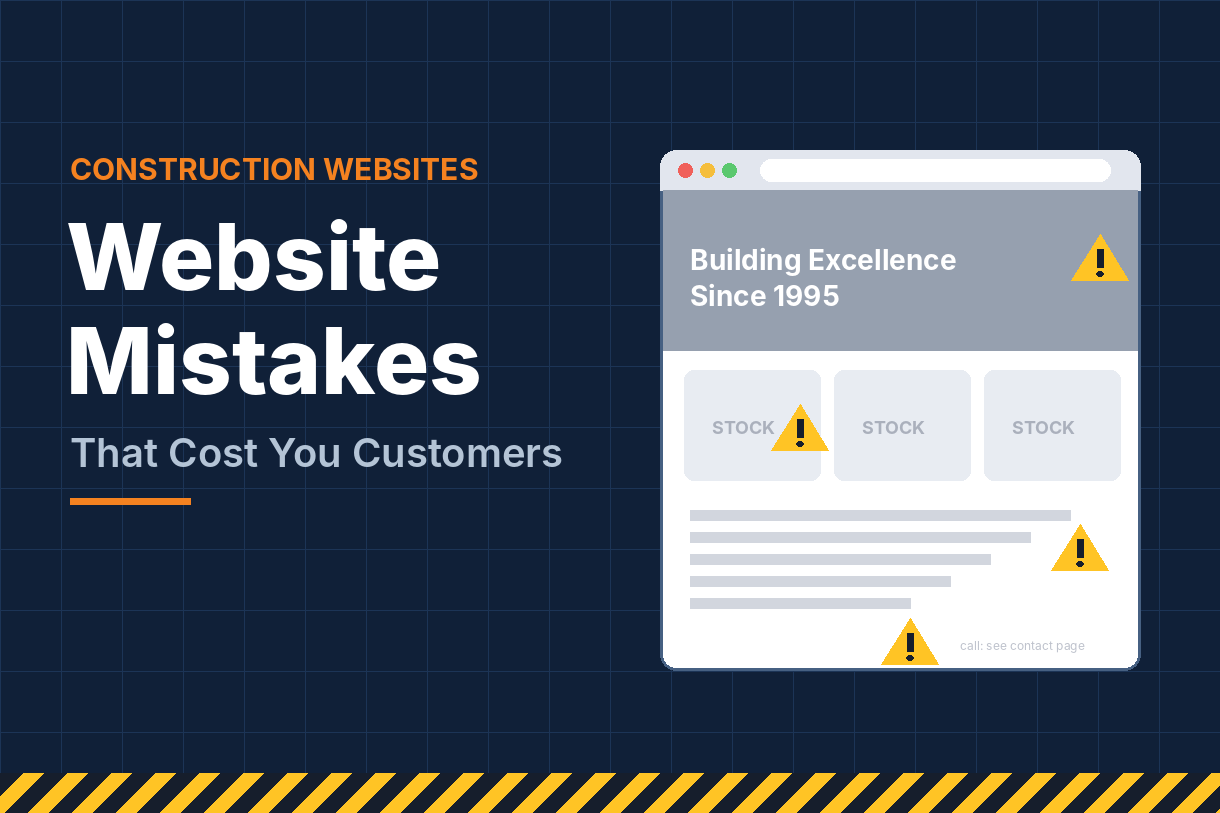
The rest of your website matters too. A strong location page can’t overcome a slow, hard-to-use site. Our article on construction company website mistakes that cost you customers covers the site-wide problems worth fixing first.
Measuring Whether Your Location Pages Work
Track each location page separately so you know which towns are paying off:
- Rankings for “[service] [town]” searches in Google Search Console.
- Organic traffic to each page in Google Analytics.
- Calls and form submissions that start on the page.
- Signed projects by town, recorded in your CRM.
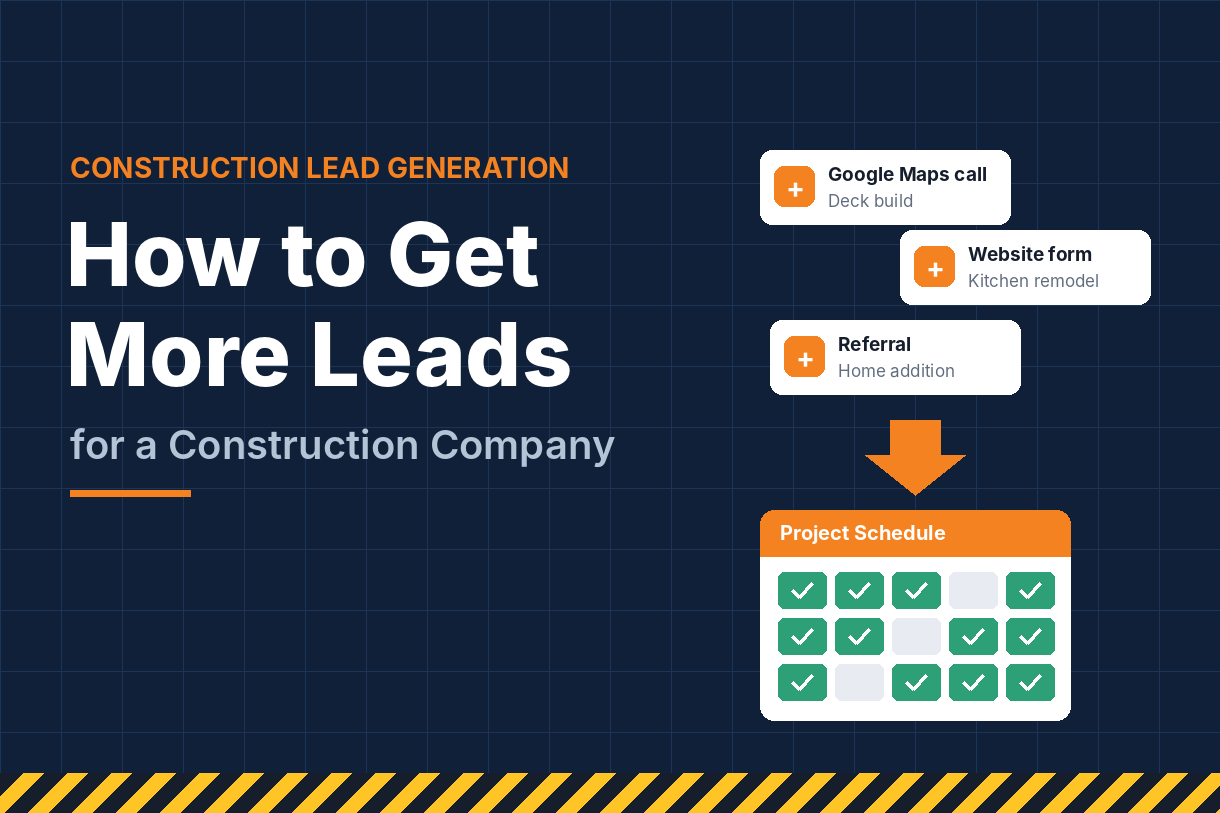
Review the numbers quarterly. Add more projects, reviews and local links to pages that are close to page one, and consider service-specific pages in towns that perform well. Our guide on how to get more leads for a construction company covers tracking cost per signed job across every lead source.
Location pages work best as one piece of a broader marketing mix. To see how they fit alongside paid search, referrals and social media, read the best marketing channels for construction companies.
For the complete picture of how your website, Google profile, ads and follow-up work together, see our guide to construction company marketing.
Building and maintaining strong location pages takes steady, ongoing work. If you’d rather have it handled for a predictable monthly cost, our SEO packages include location content, local optimization and reporting by market.
Frequently Asked Questions
How many location pages should a construction company have? Start with three to five pages for your highest-priority towns. Add more only when you have enough real projects and reviews to make each new page genuinely useful.
How long should a location page be? There’s no fixed length. Most strong construction location pages land between about 700 and 1,200 words of local content, plus photos. Depth and uniqueness matter more than word count.
Can I use the same template for every location page? You can use the same structure, but the content inside it must be different: different projects, reviews, neighborhoods and local building details. If only the town name changes, the pages are likely to be treated as low-quality doorway pages.
Do I need an office in a town to rank there? No. You can rank organically in towns where you work but don’t have an office, as long as your page shows real local work. Map pack rankings are harder outside your verified location, but organic results are very achievable.
How long does it take a location page to rank? In less competitive towns, a few weeks to a couple of months. In busy metro areas, it often takes several months, along with local links and reviews.
Win More Work in Every Town You Serve
Location pages done right are some of the most valuable pages on a construction website. They bring in buyers searching in specific towns, prove you work there and give Google a clear reason to rank you beyond your own zip code.
Social Market Way helps construction companies plan, write and promote location pages that rank and convert, backed by local SEO and geo-targeted campaigns. Contact our team today for a review of your service areas and a plan to win more projects in the towns that matter most to your business.